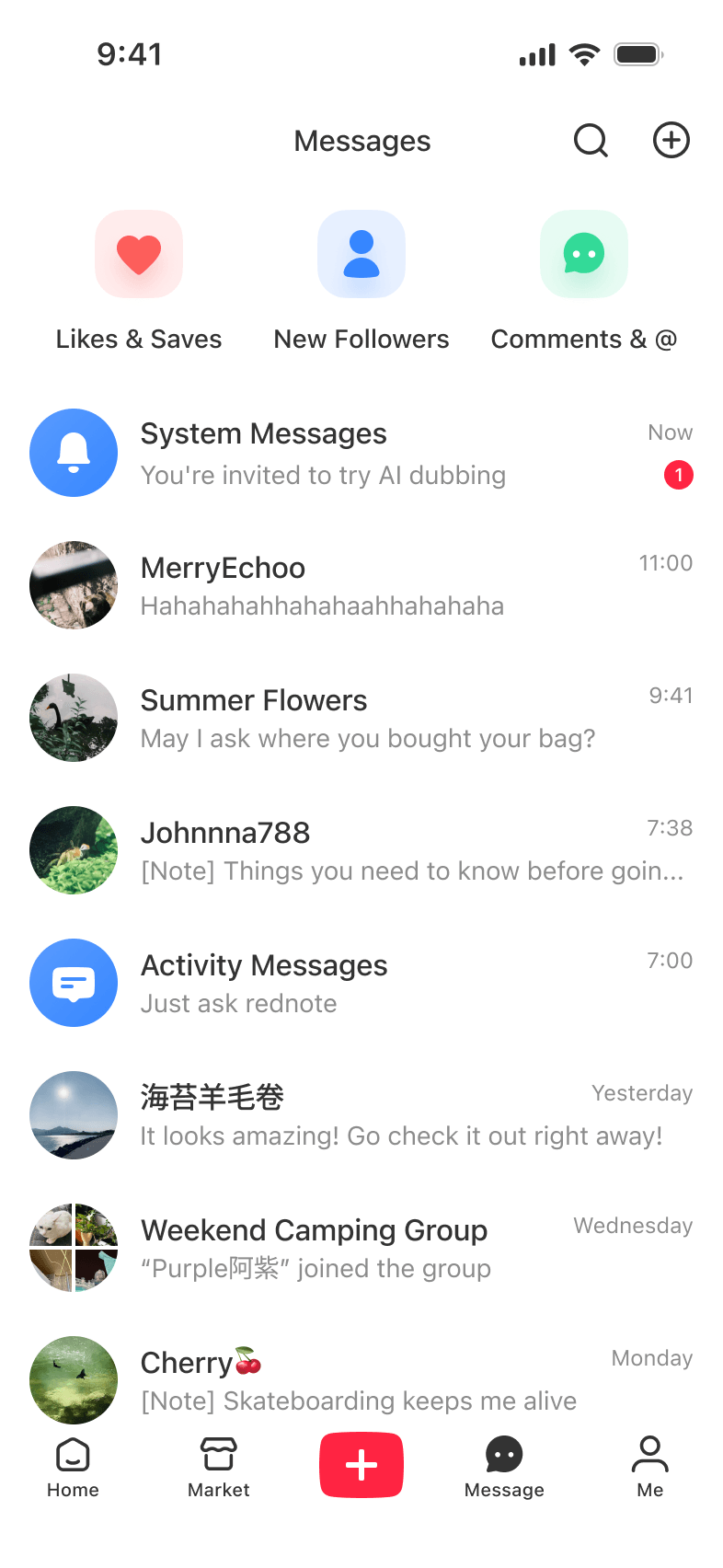
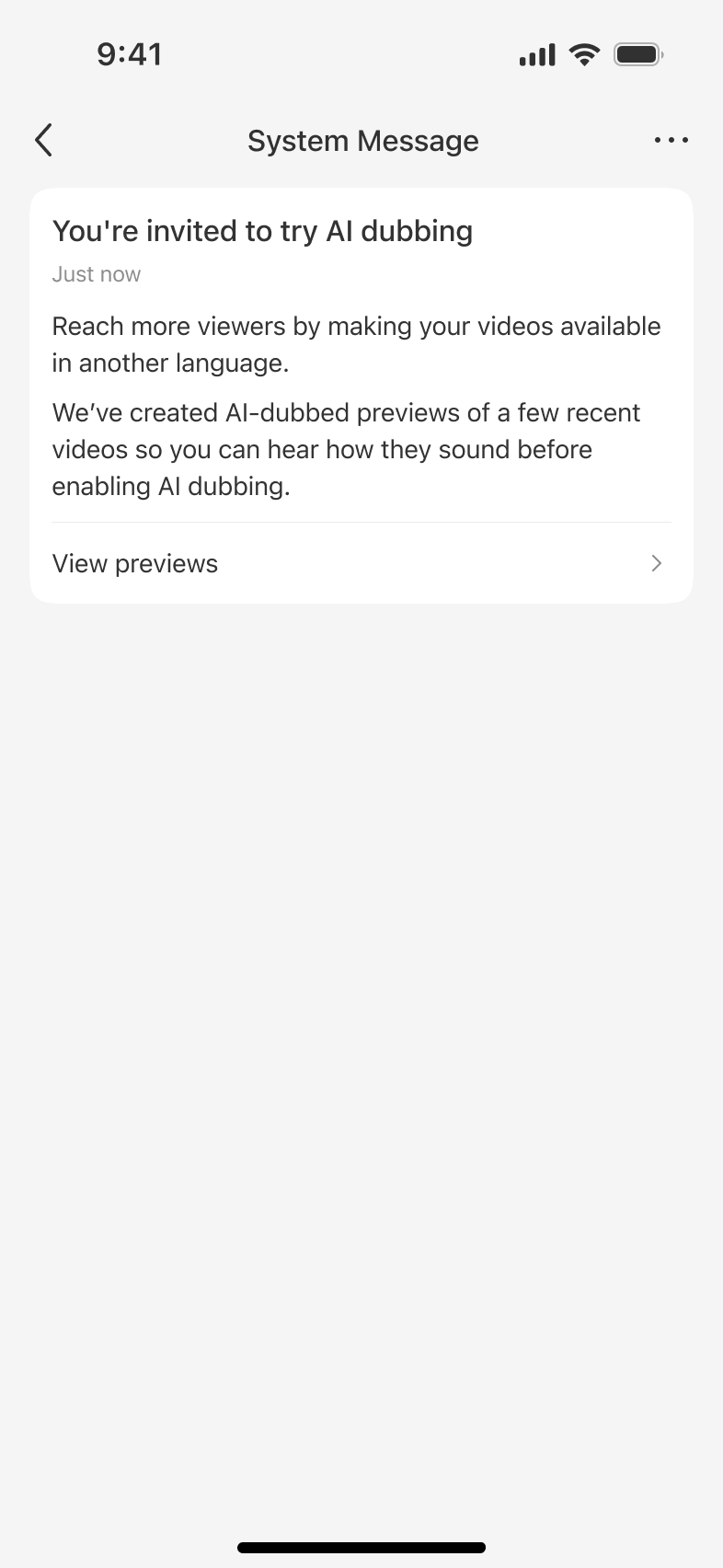
I led the 0→1 design of AI dubbing for rednote, connecting the creator experience with viewer playback. Alongside the product work, I joined ML quality reviews. In a subsequent internal evaluation, the share of text-to-speech (TTS) outputs rated excellent increased by 13.16 pp.
AI dubbing was part of making rednote, a community where most content is in Chinese, accessible to overseas users. Text, images, video subtitles, and live captions already helped people cross language barriers. Voice was the next layer of multimodal translation.
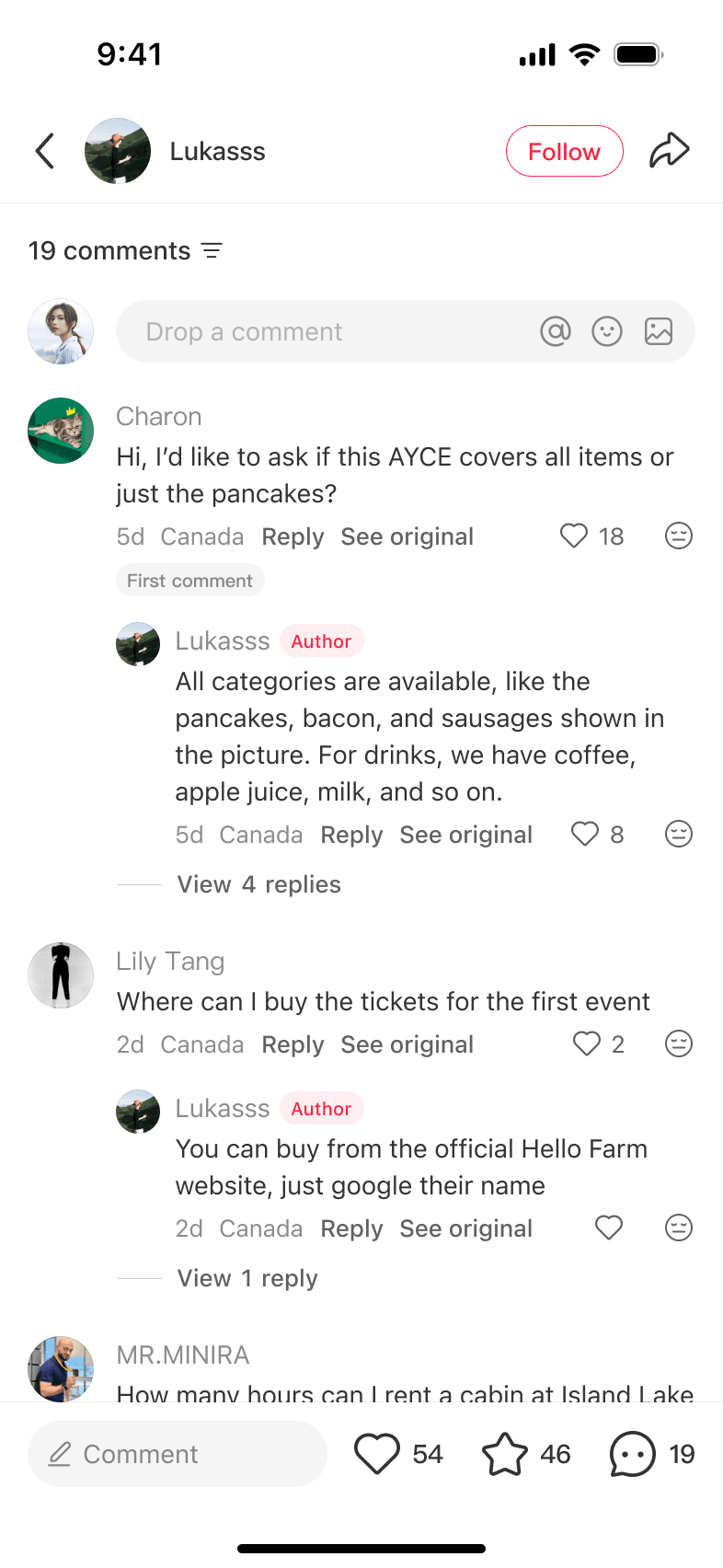
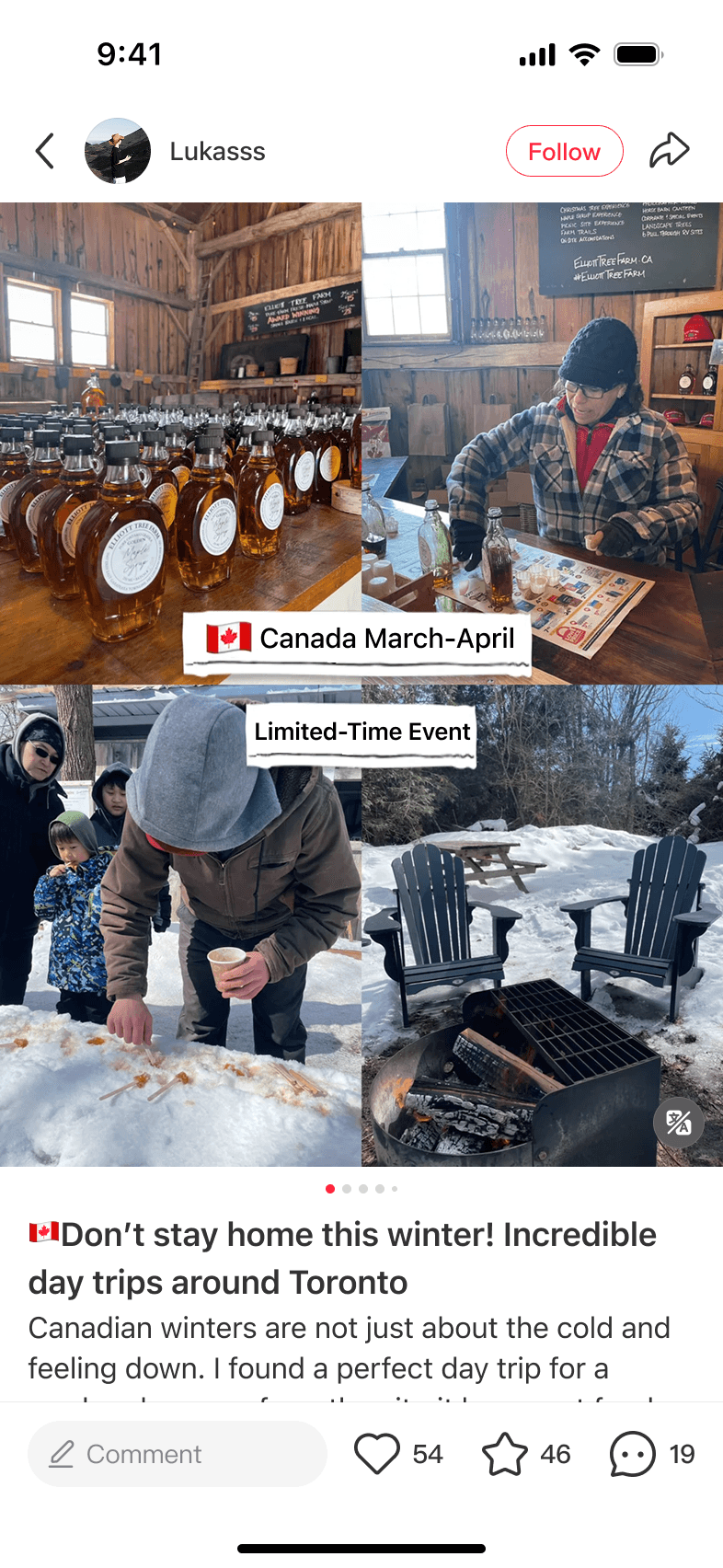
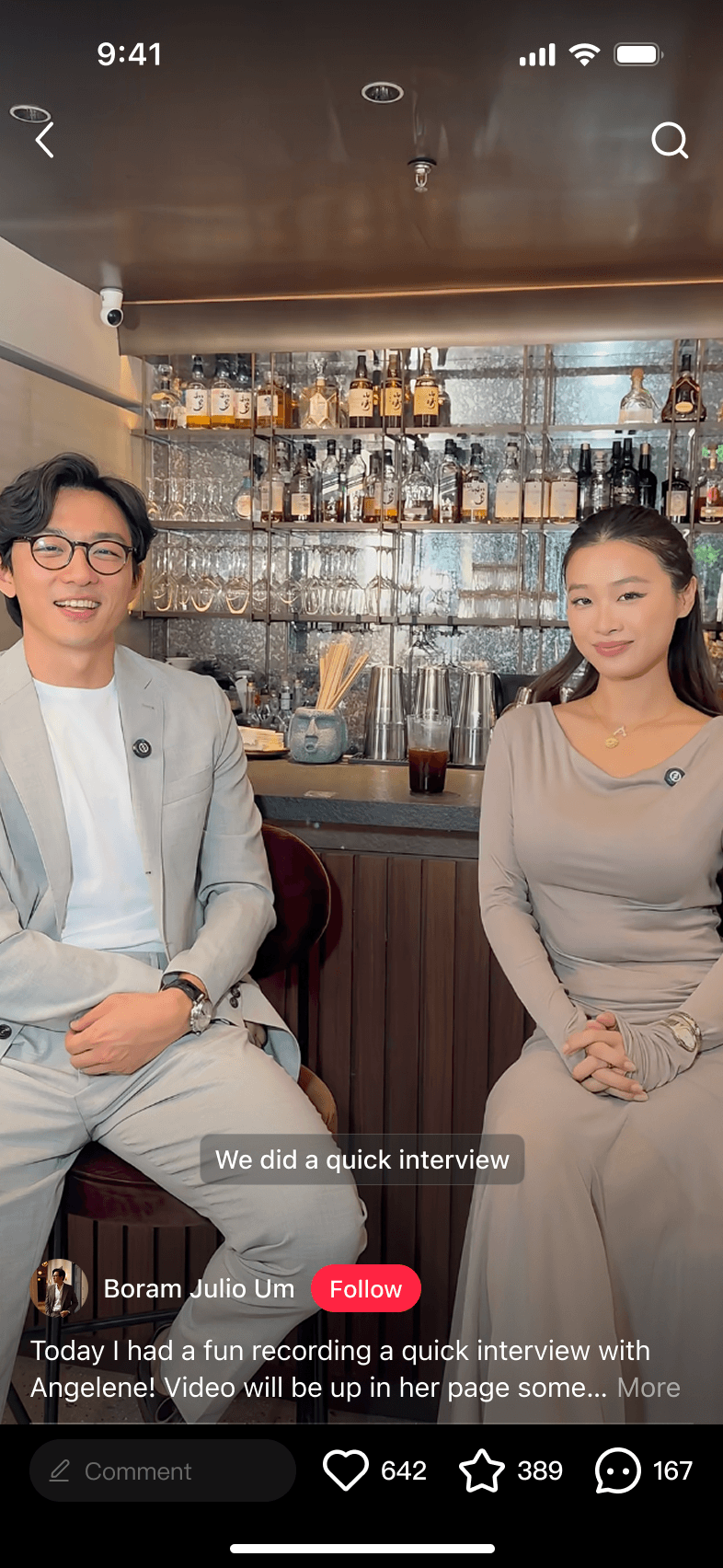
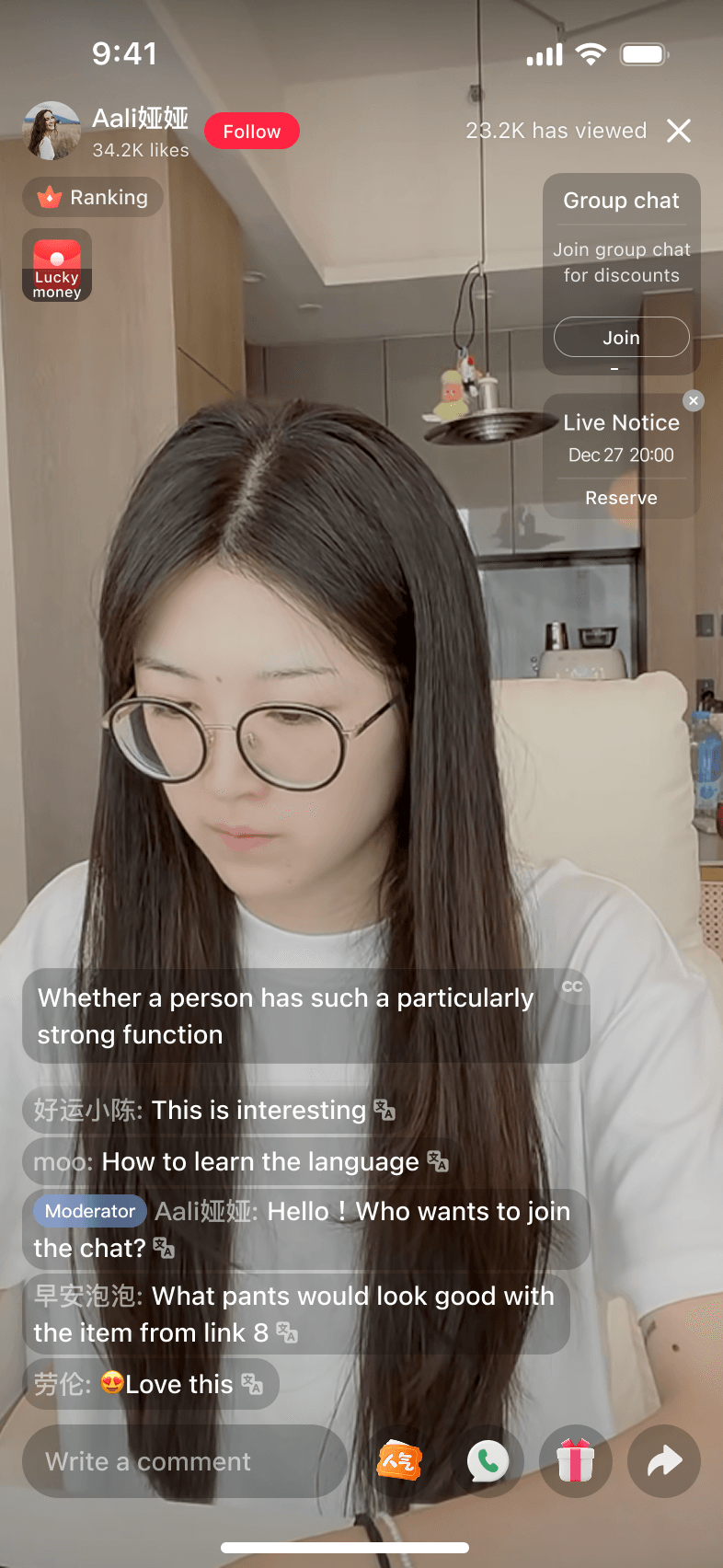

In January 2026, our ML team introduced a voice model that could power AI dubbing on rednote. My PM and I still needed to understand how it performed on real videos, whether creators would welcome the feature, and what was feasible for the first release.
How could we build a first release that worked for creators and viewers?
Working with ML, we tested the model on videos colleagues had already posted on rednote. It worked better with clear, normal-paced Mandarin narration, but results varied across videos. We also partnered with UXR to understand creators’ expectations and concerns. Creators were curious about AI dubbing but wanted to hear how their voices would sound.
These findings led us to start with a small group of creators whose videos worked well with the model.
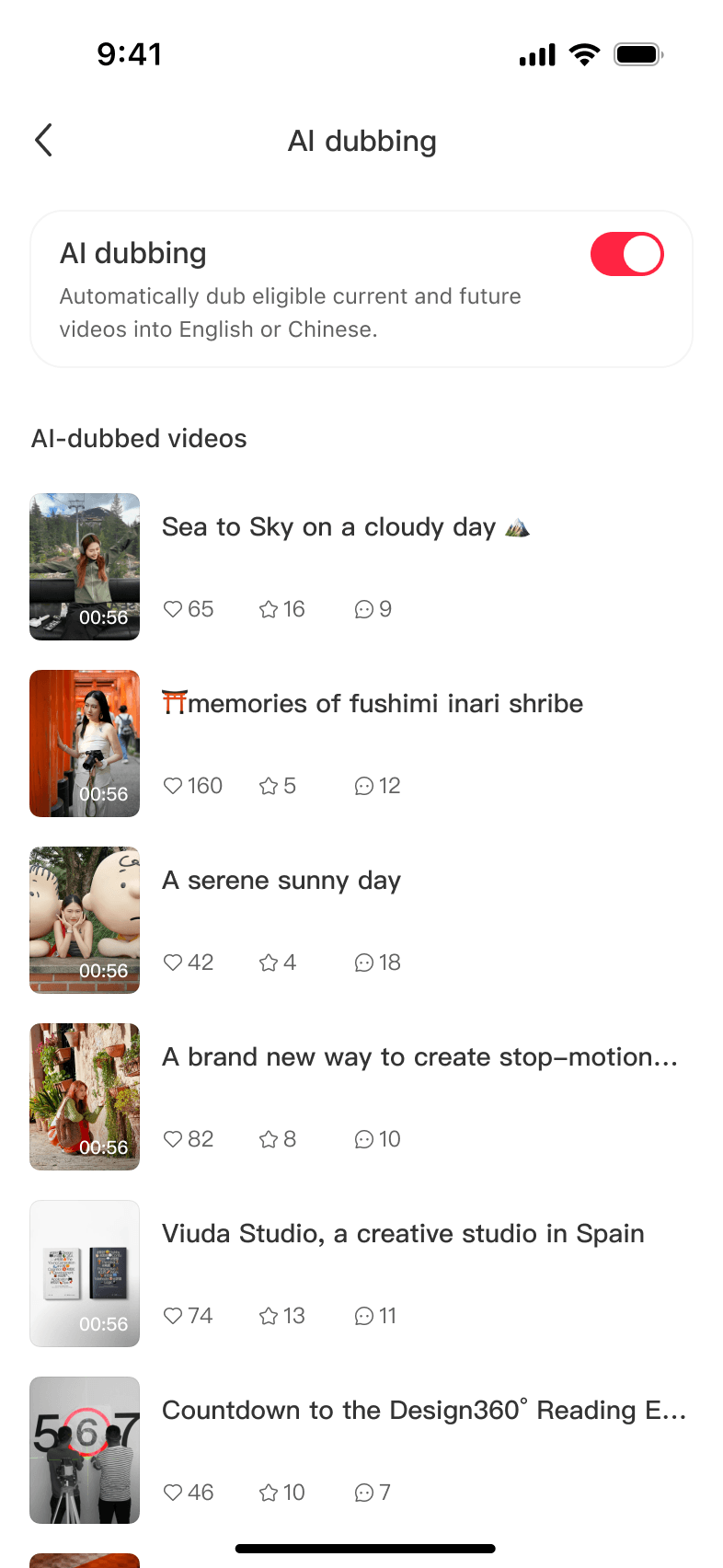
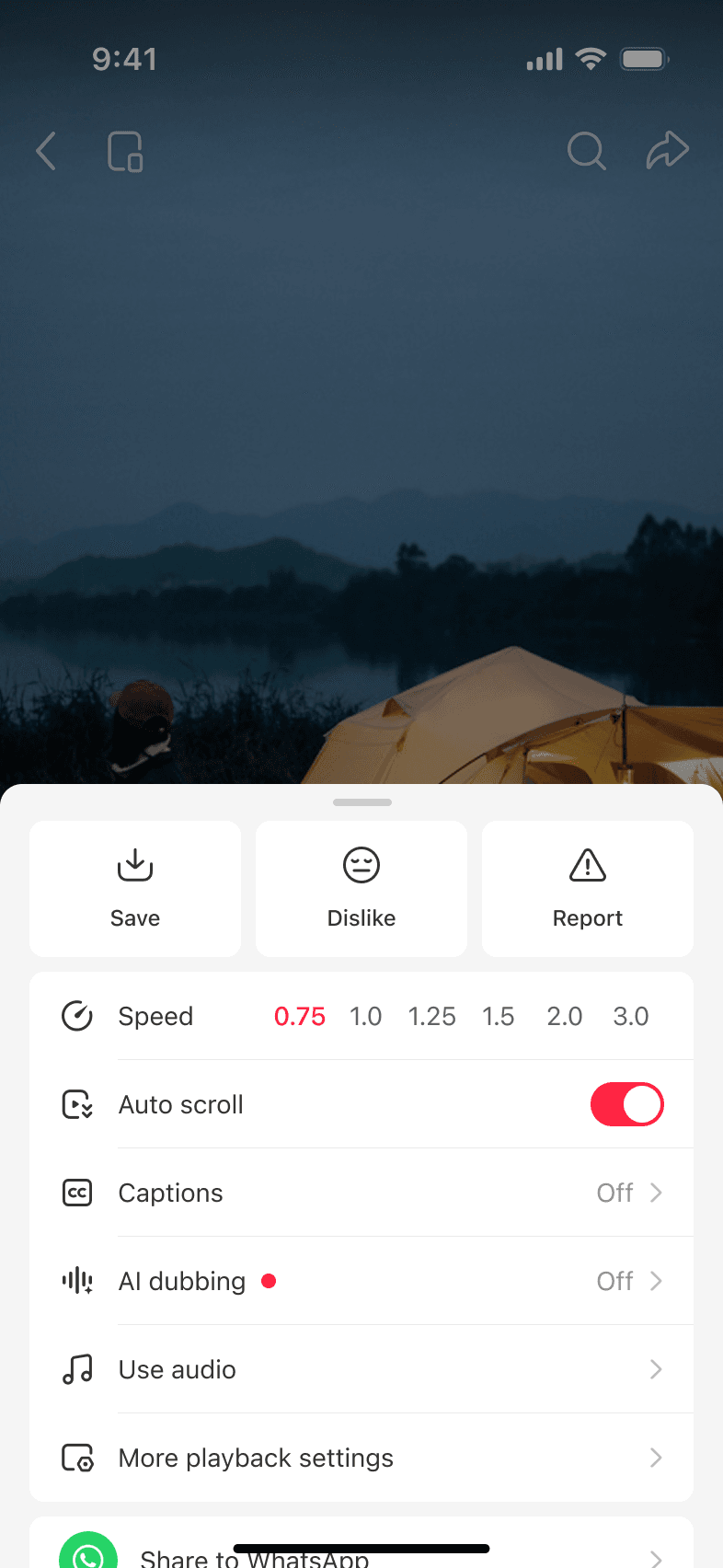
During a design review, my PM suggested adding another entry point to encourage more creators to enable AI dubbing. Creators often revisit their own videos, so the proposal was to place a creator authorization switch next to the viewer dubbing setting in the long-press panel. If creators discovered the viewer setting while watching dubbed videos, they would know where to look on their own videos.
Even when creators watched their own videos, the long-press panel still treated them as viewers. Adding a creator authorization switch would mix a publishing decision into that viewer context. I mocked up both in the same panel to make the confusion visible.
We agreed to keep creator authorization out of the playback panel.
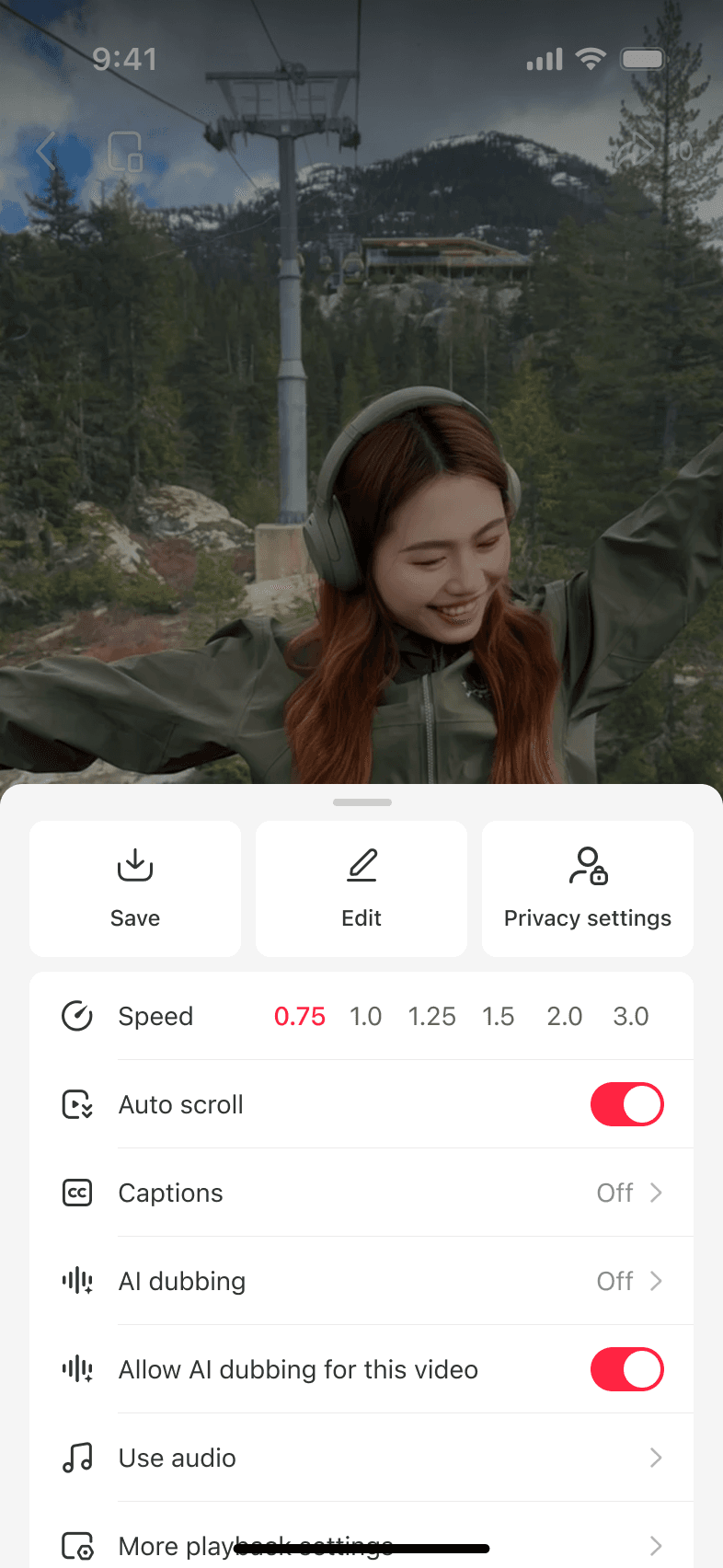
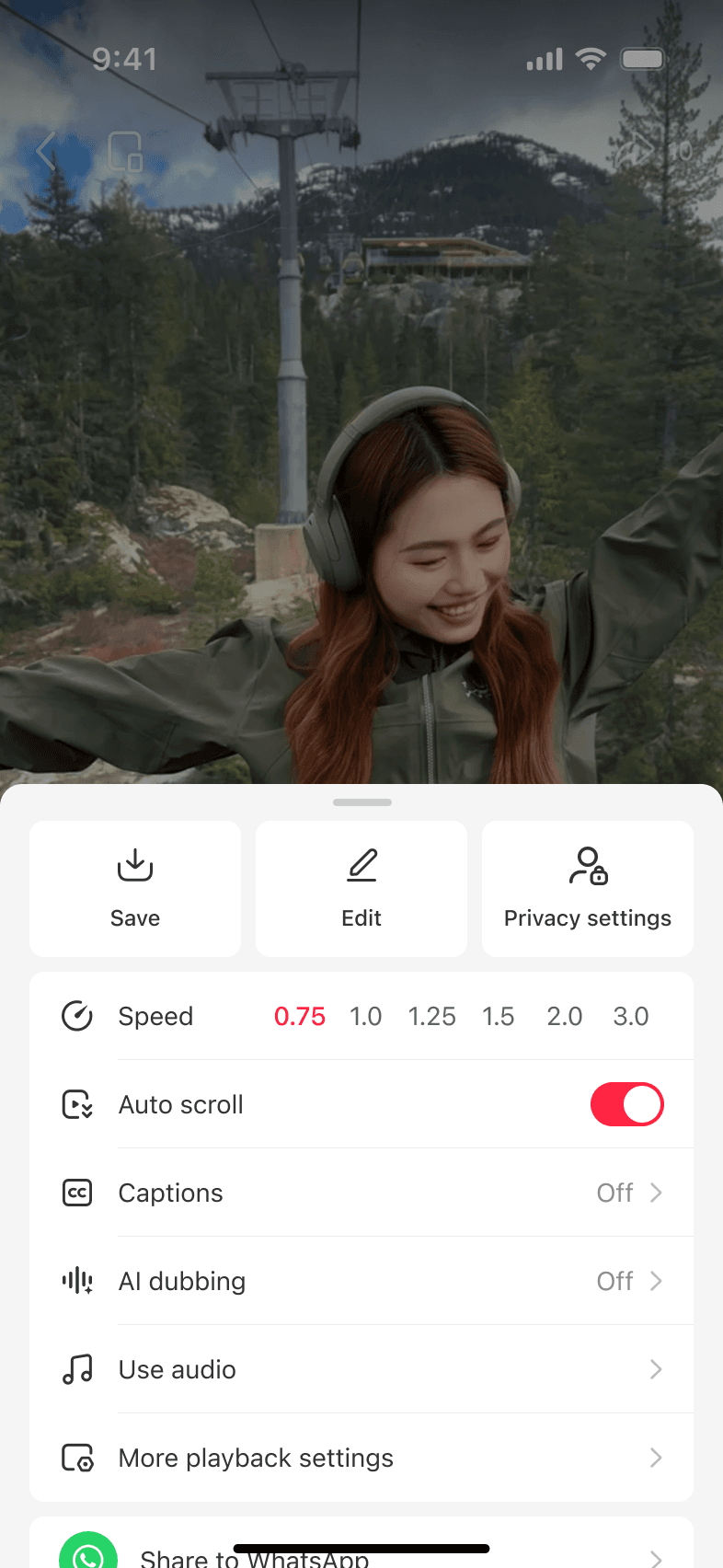
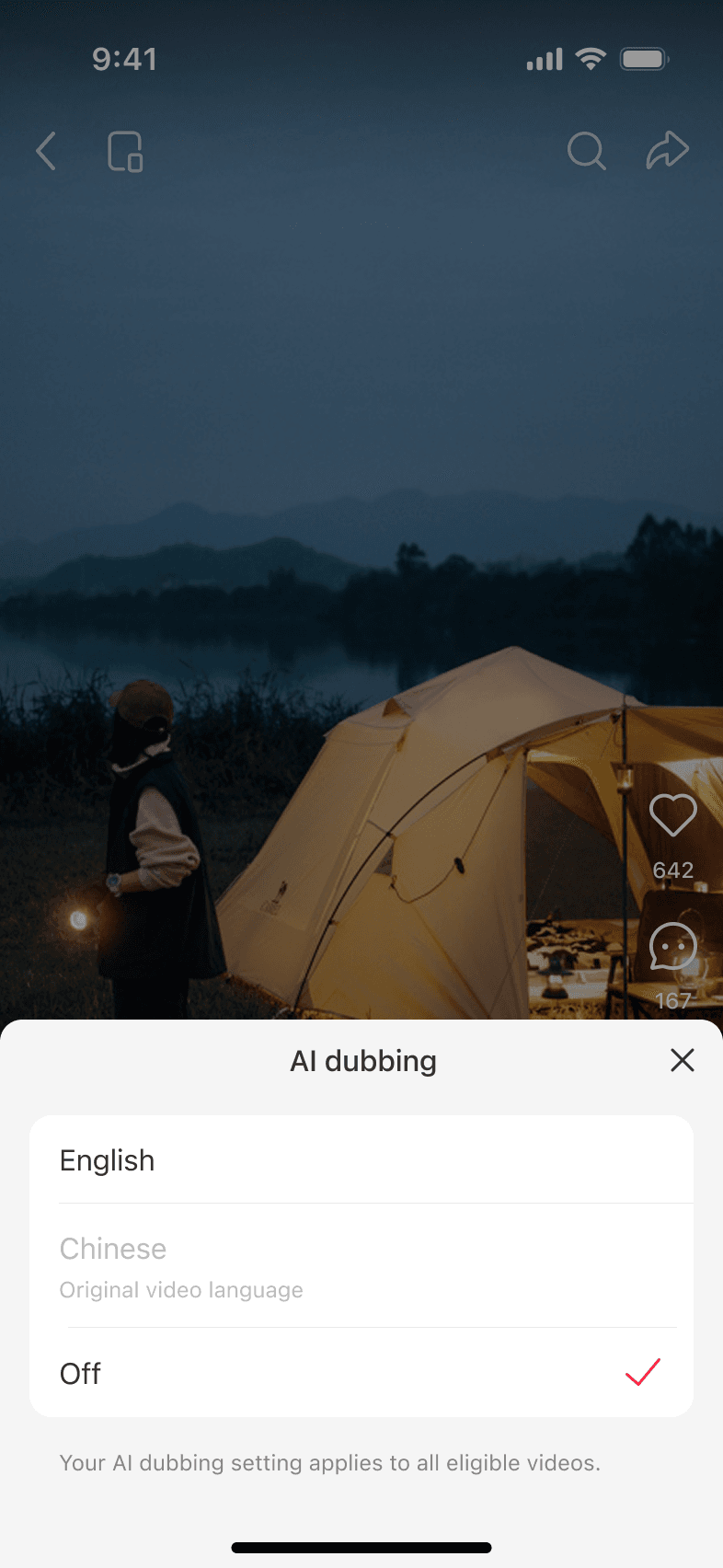
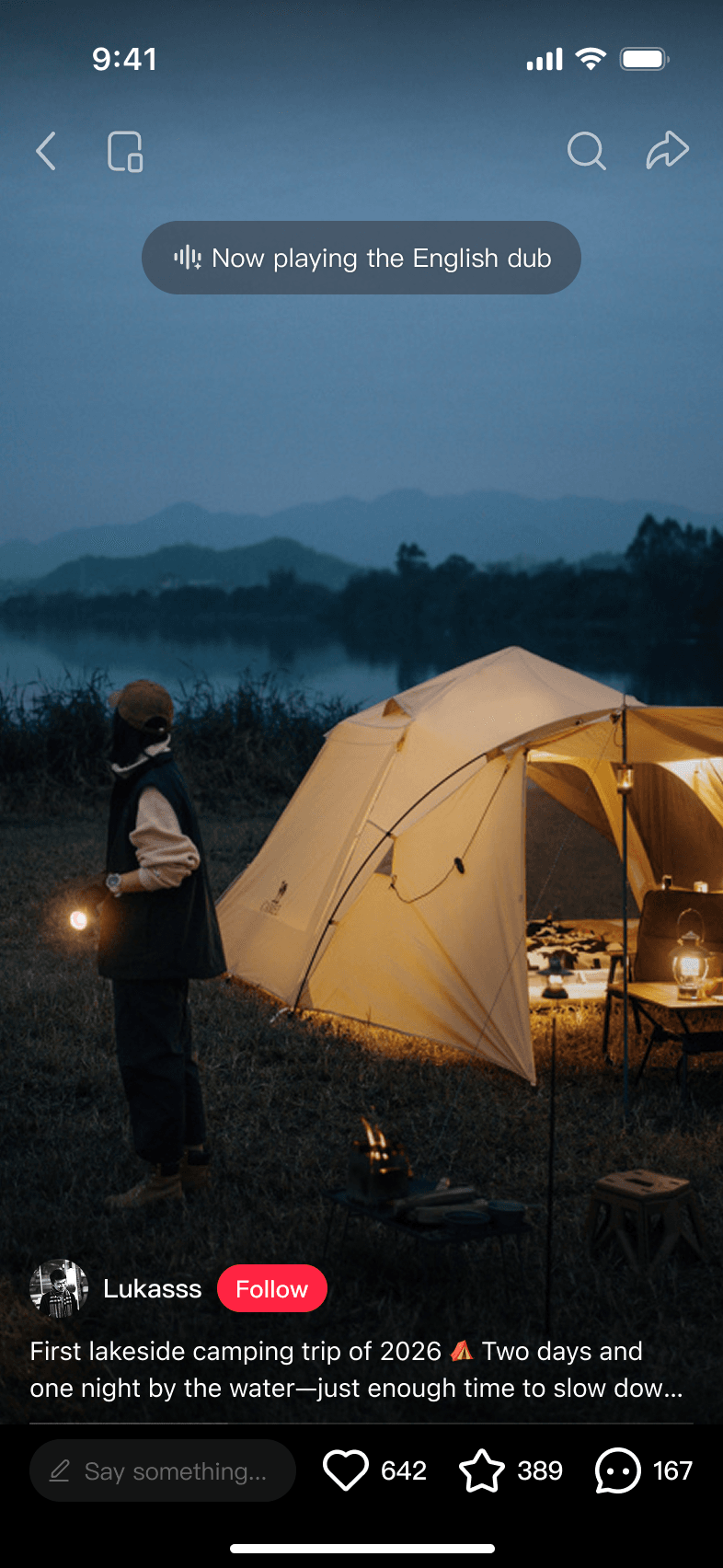
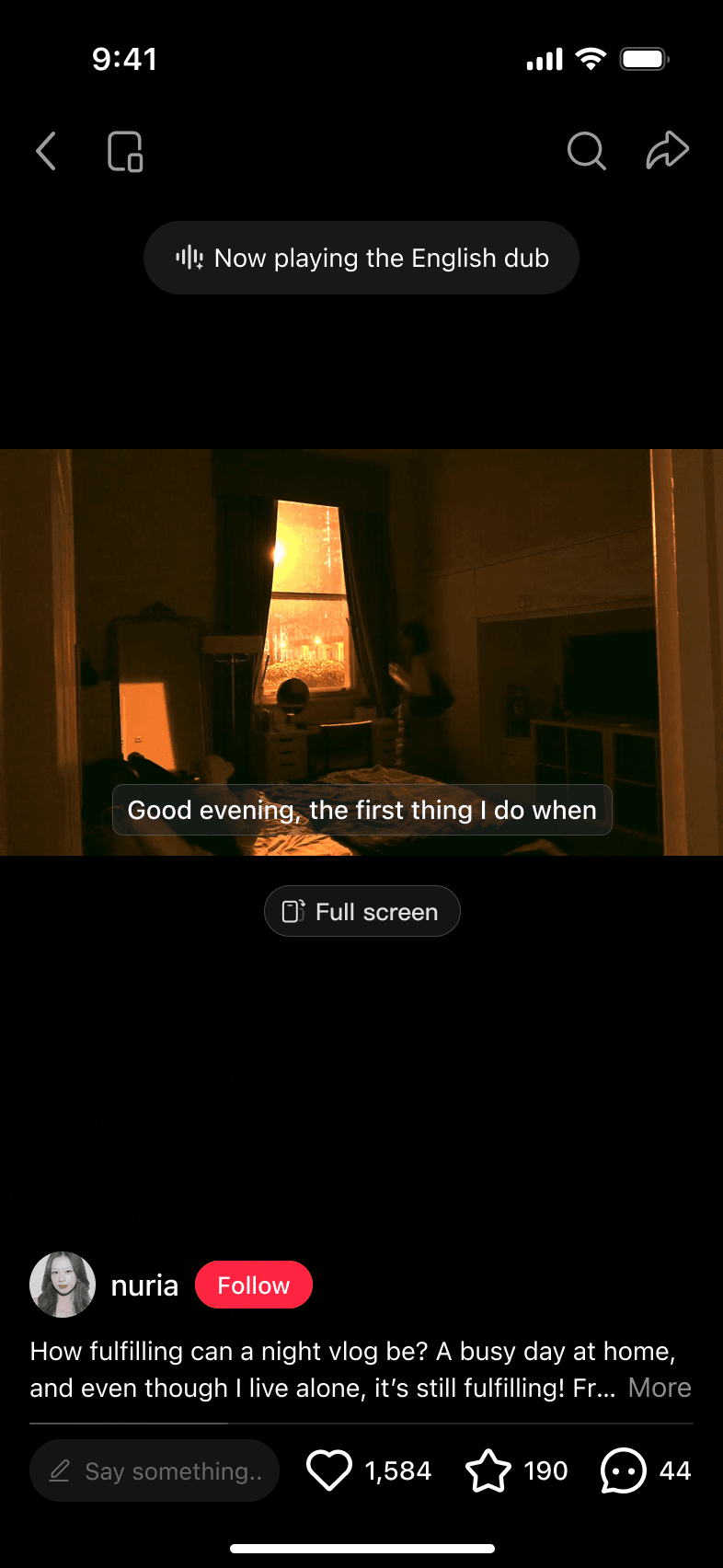
That decision also made playback simpler. Viewers saw one dubbing setting in the long-press panel, and their language choice carried across eligible videos instead of resetting on every video.
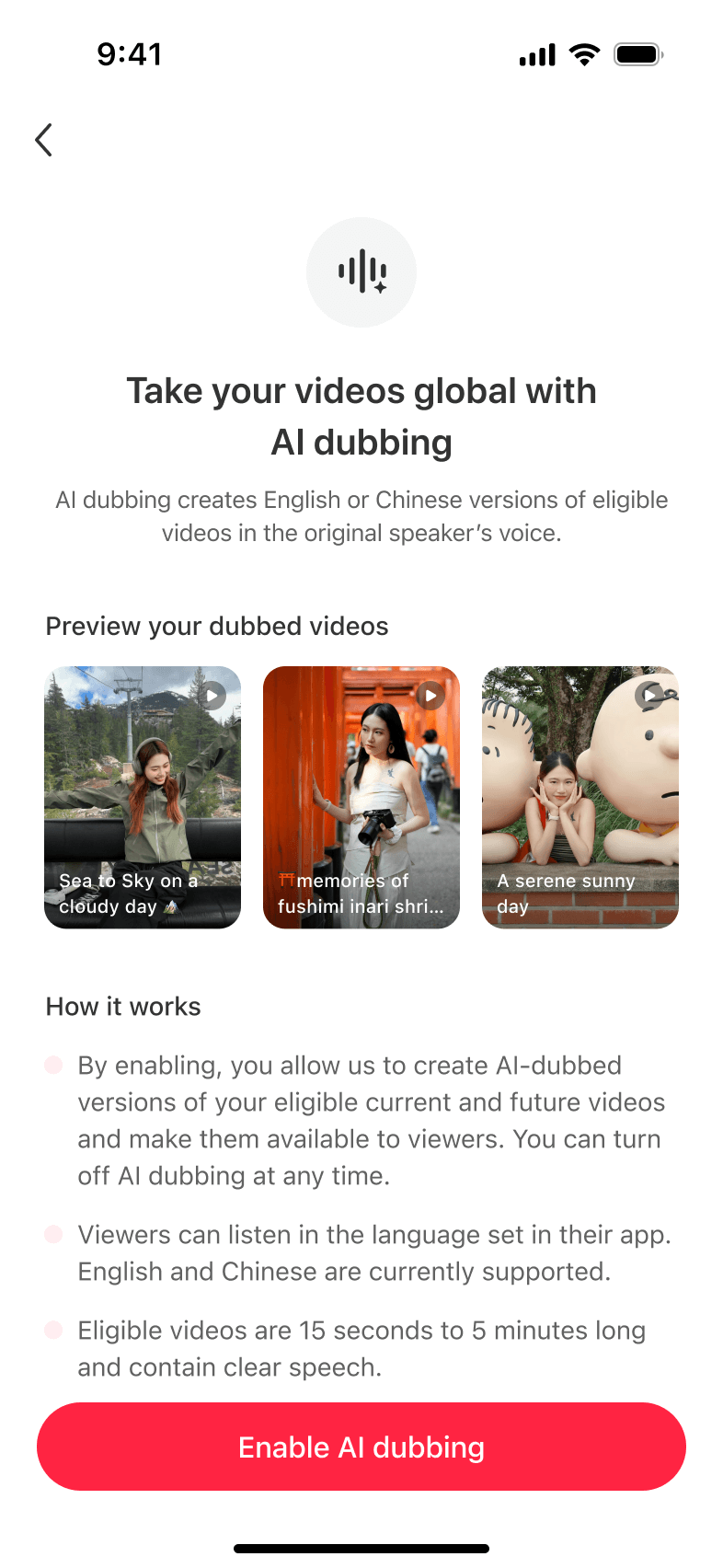
More than half of creators who reached the authorization page opted in, but only around 11% of invited creators reached it. Separately, some creators still asked what AI dubbing would sound like after seeing the introduction page. We needed to improve both how creators discovered the feature and how the page explained it.
I stepped through the product from a creator’s point of view and looked at where they already published and managed videos. That led me to propose new entry points and bring discovery, authorization, and control into the same flow.
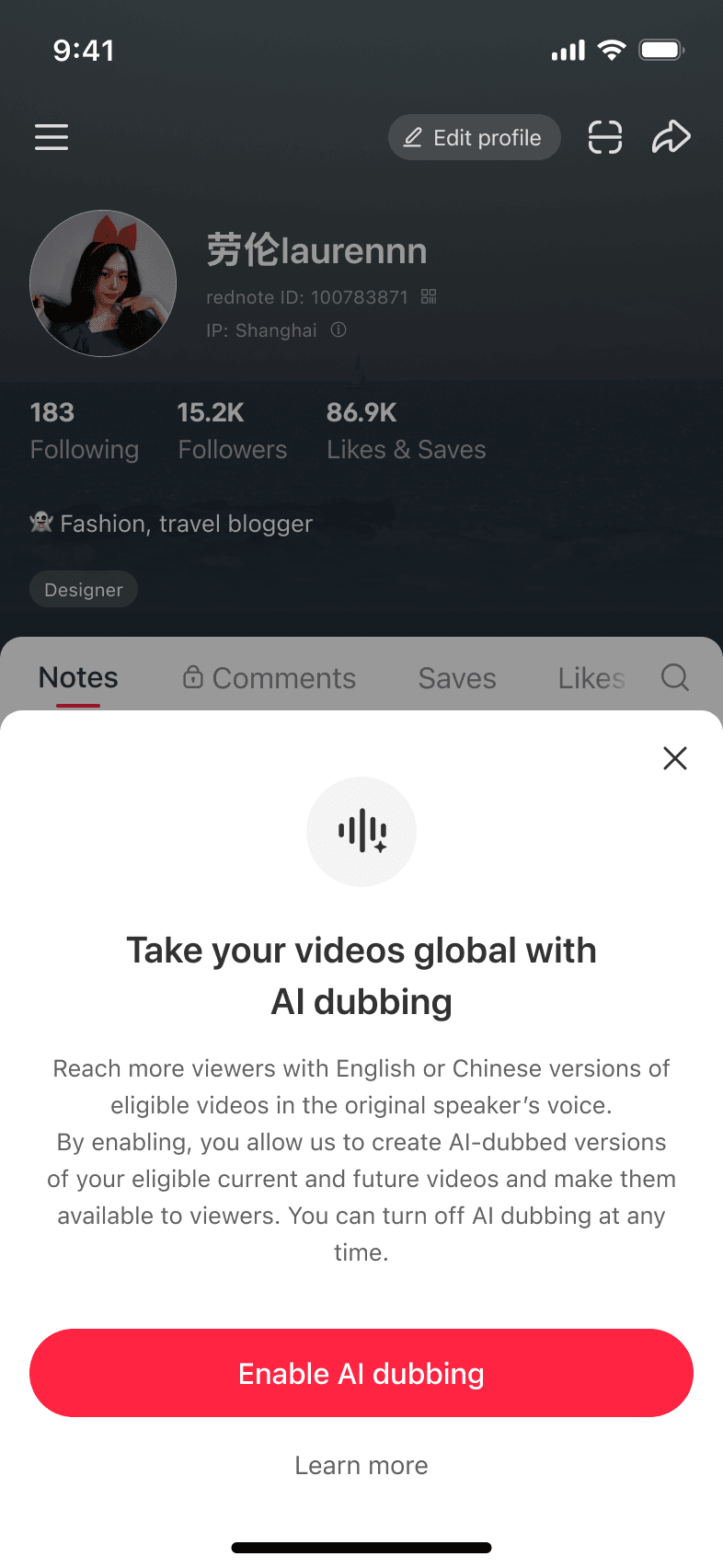
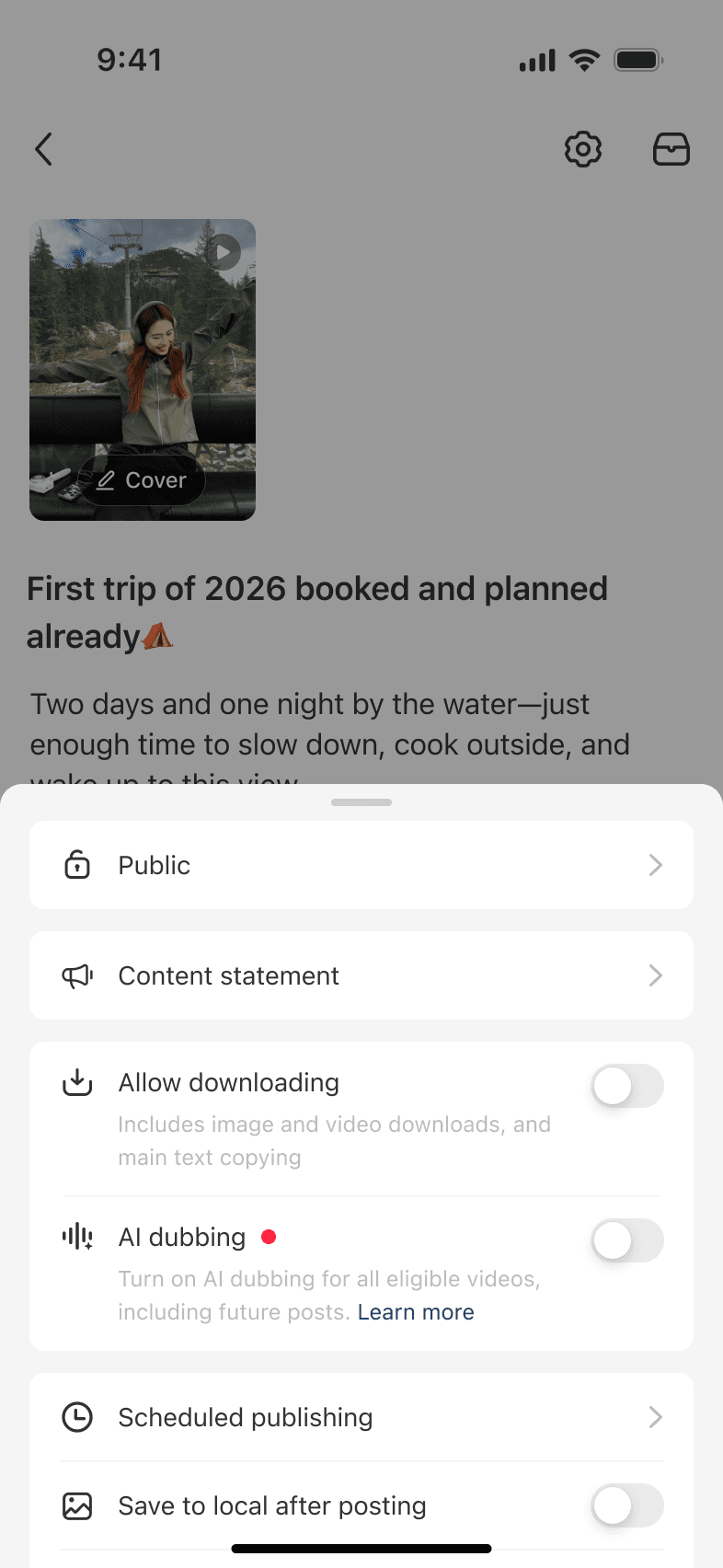
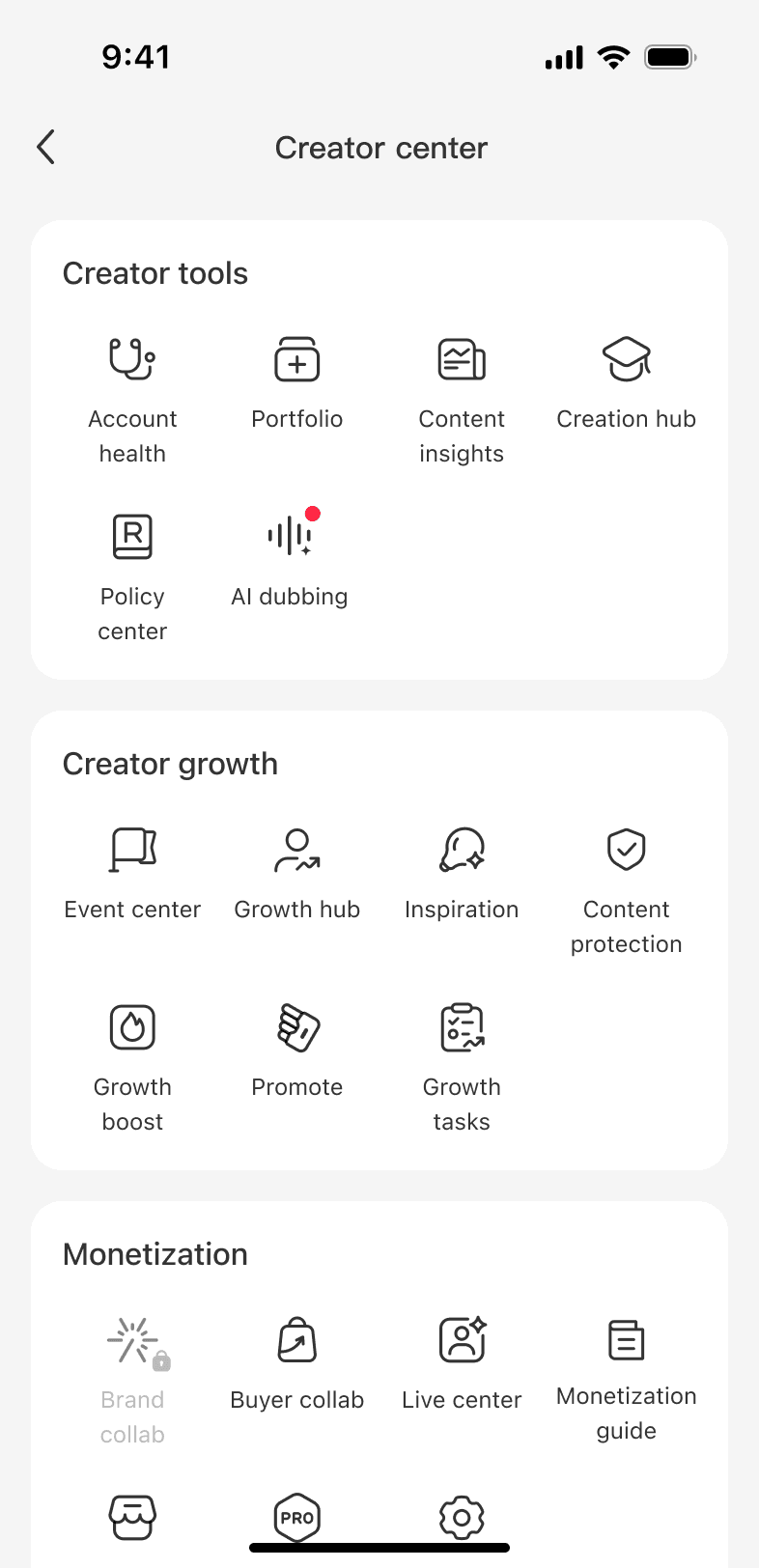
I proposed entry points on creator profiles, in publishing, and inside Creator Center. All three led to the same authorization flow.
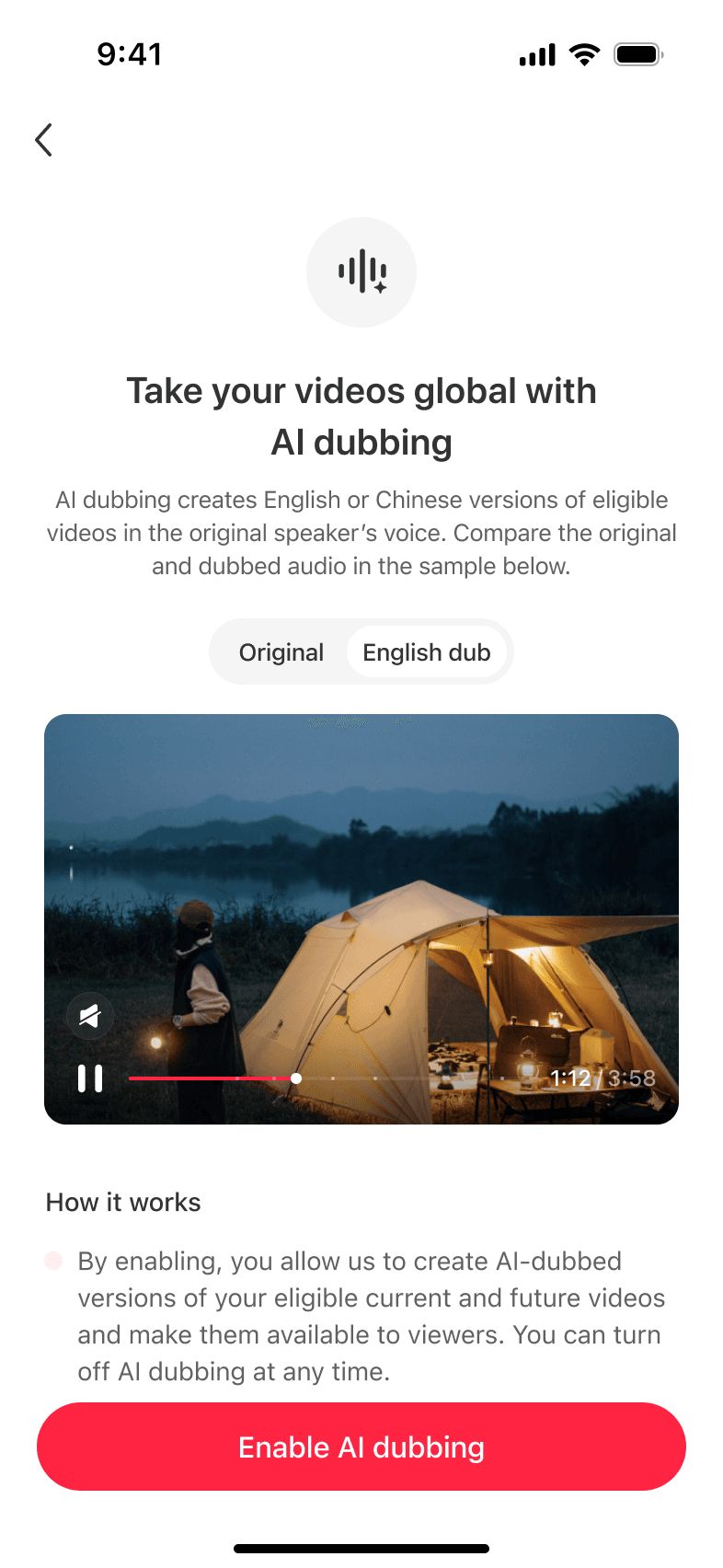
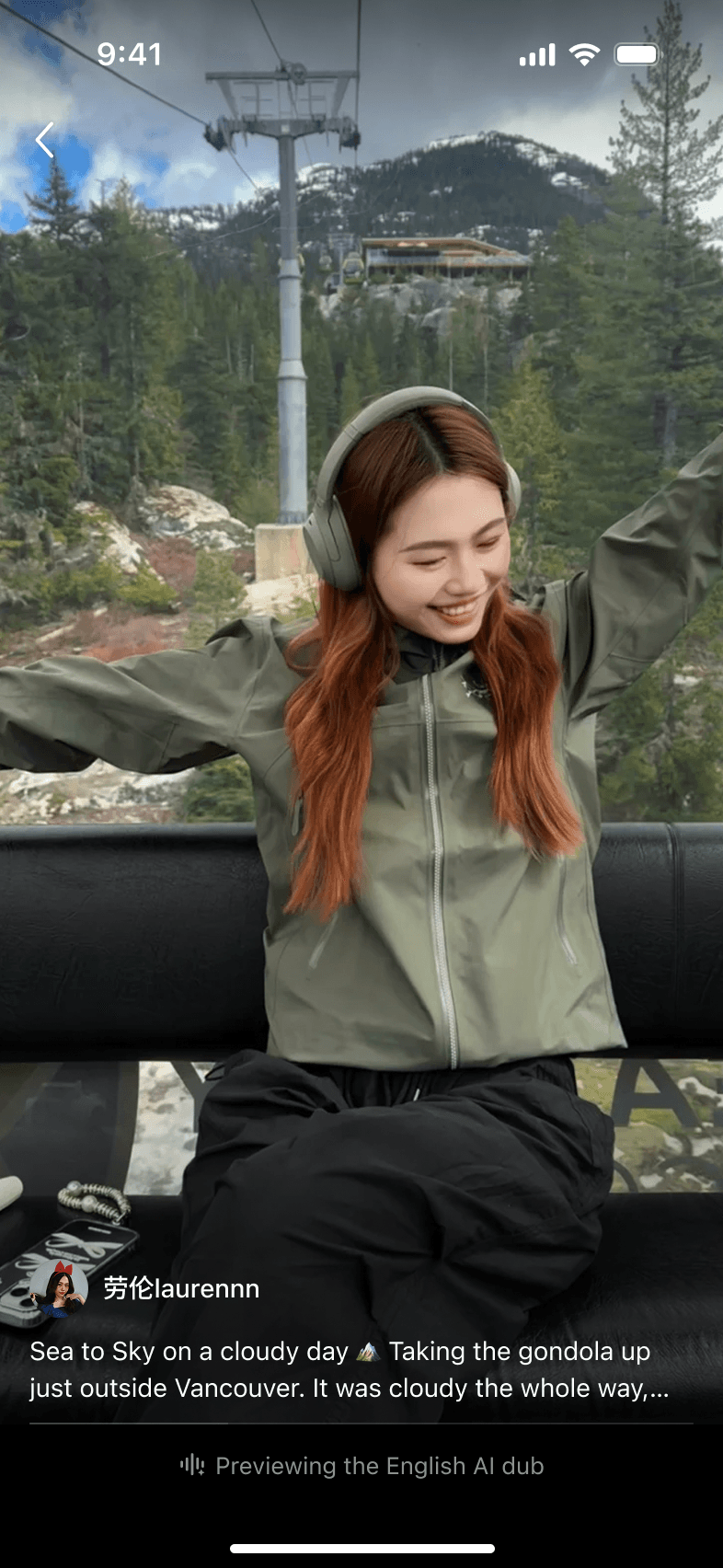
To make AI dubbing easier to understand, I replaced the private preview with a shared Original and AI-dubbed comparison. A shared sample offered a more consistent way to demonstrate the difference.
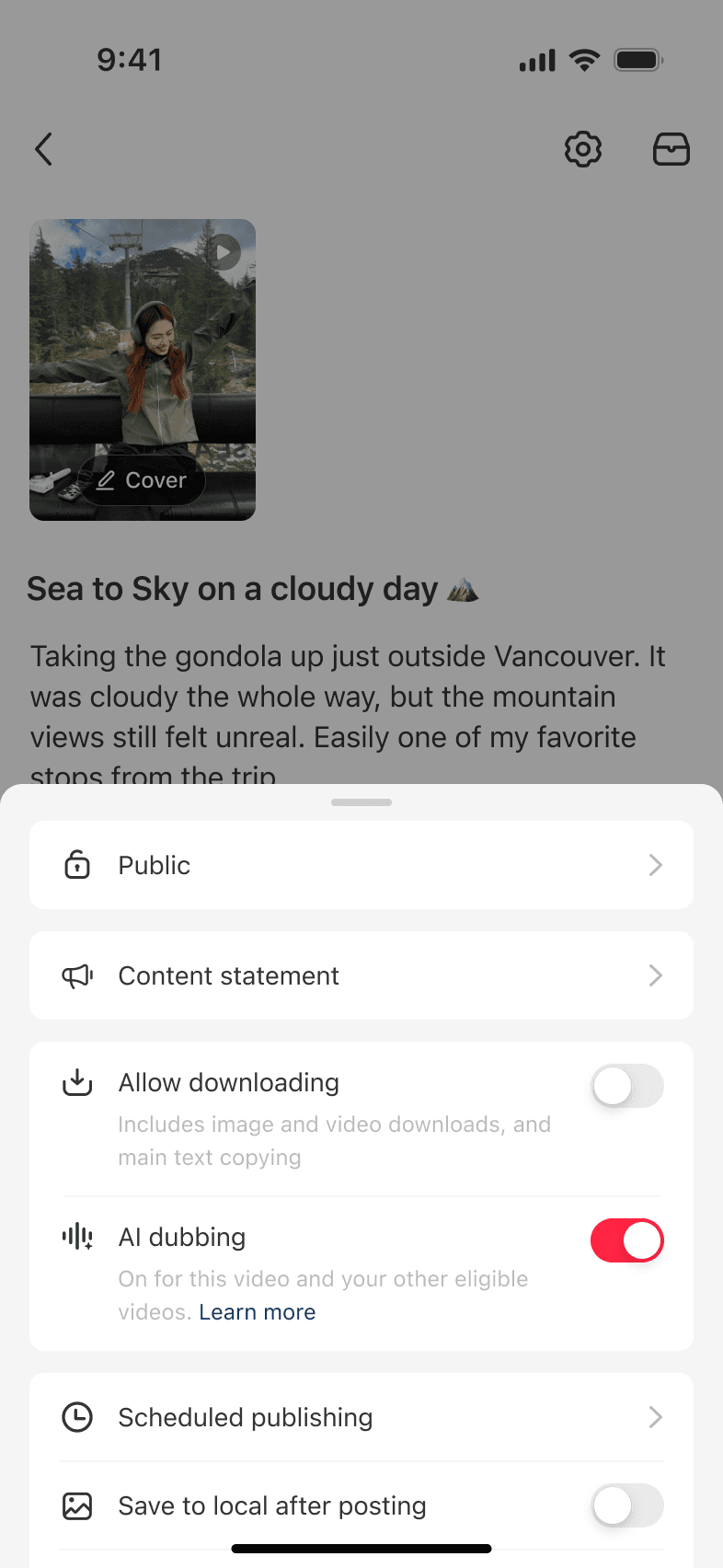
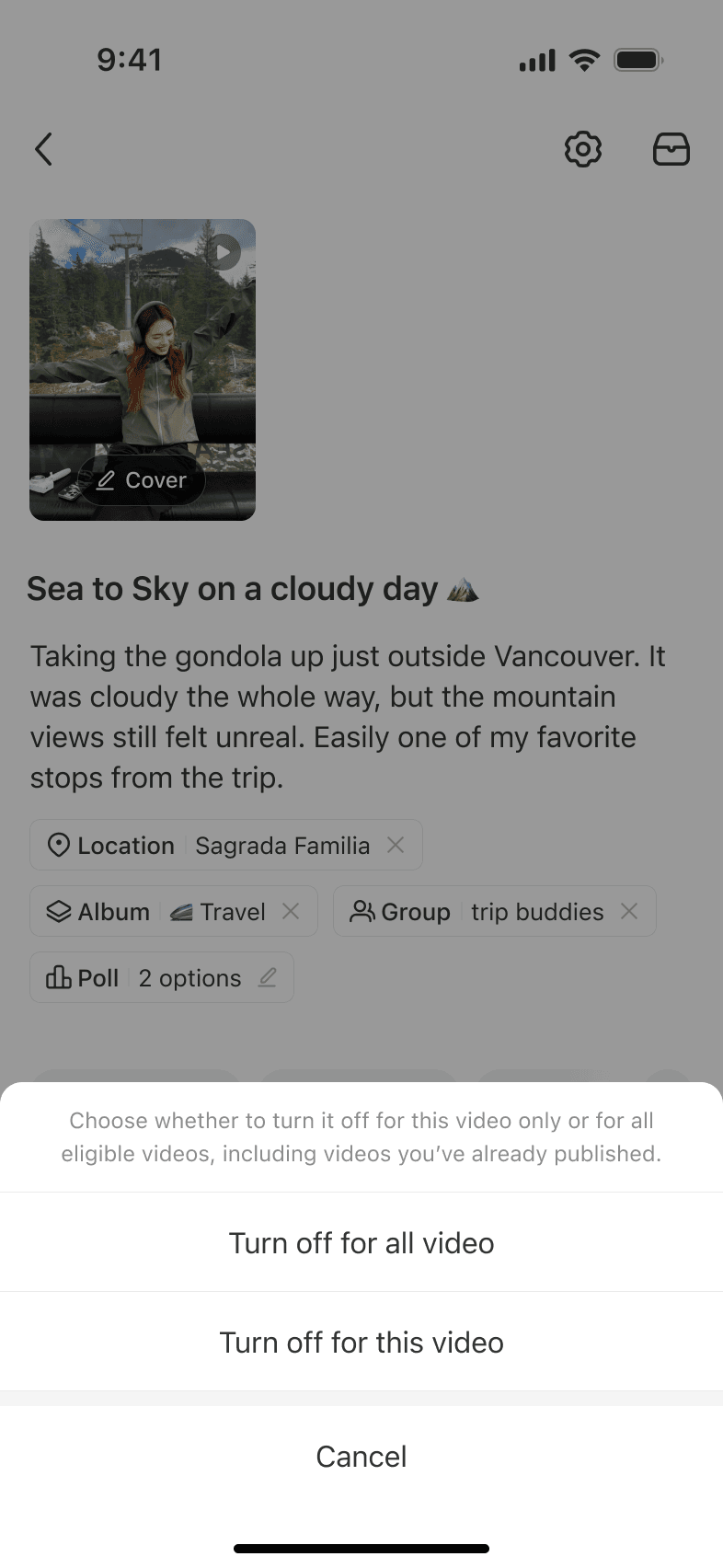
One authorization covered eligible videos, while per-video controls let creators disable dubbing before publishing or edit the post later if the result did not work.
Broader discovery would only help if the voice experience was ready. As the team prepared for a wider rollout, refining model quality became a major part of the work. The ML team shared an English dub that preserved the speaker’s Sichuan accent. Product and I felt the accent was exaggerated and made the output sound unnatural.
I proposed adding an experience review for voice quality and worked with my PM, language experts, and the ML team to turn that judgment into a repeatable process.
We paired each source video with the latest model output, then traced each issue to ASR, translation, TTS, or audio mixing.
We turned reactions like “this sounds unnatural” into dimensions the team could tag and score. Within TTS, I helped define accent naturalness alongside ease of understanding and voice similarity.
My PM led the process while language experts, the ML team, and I listened together, tagged issues, and aligned on the scoring standard.
I joined multiple rounds of scoring as the ML team iterated, using the same criteria to judge whether each version improved the listening experience.
In a subsequent internal human evaluation, the share of TTS outputs rated excellent increased by 13.16 percentage points from the prior round. The review also gave the team a consistent way to find quality issues and assess each new version across the dubbing pipeline.
The first AI dubbing experience launched for creators and viewers. By the time I left, the revised product experience and an updated model were running together in a new experiment.
AI opened a new way for videos to travel across languages. It also introduced a new trust challenge for the platform. Creators needed confidence in how their voice would be used by AI, while viewers needed confidence in the AI-generated content the platform delivered. I saw an opportunity for experience design to help people understand what AI was doing, set expectations for its output, and stay in control of how it was used.
Designing AI experiences means shaping quality and earning trust.