The wave arrives
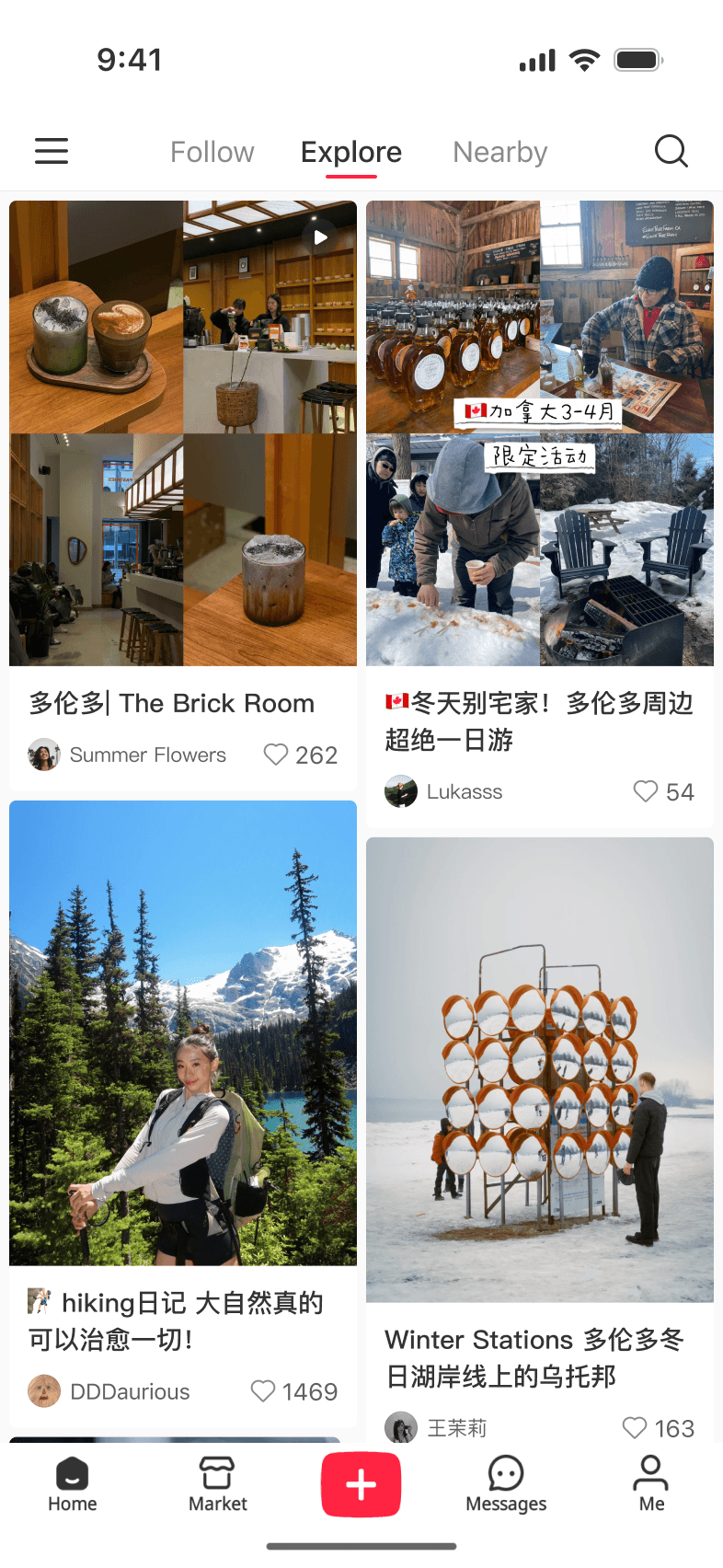
TikTok refugees begin moving into rednote, landing in a product where every core surface is written in Chinese.
In January 2025, millions of international users downloaded an app where nearly all the content they encountered was in Chinese. We had 48 hours to make it work for them — without disrupting the experience for the platform's existing daily active users.
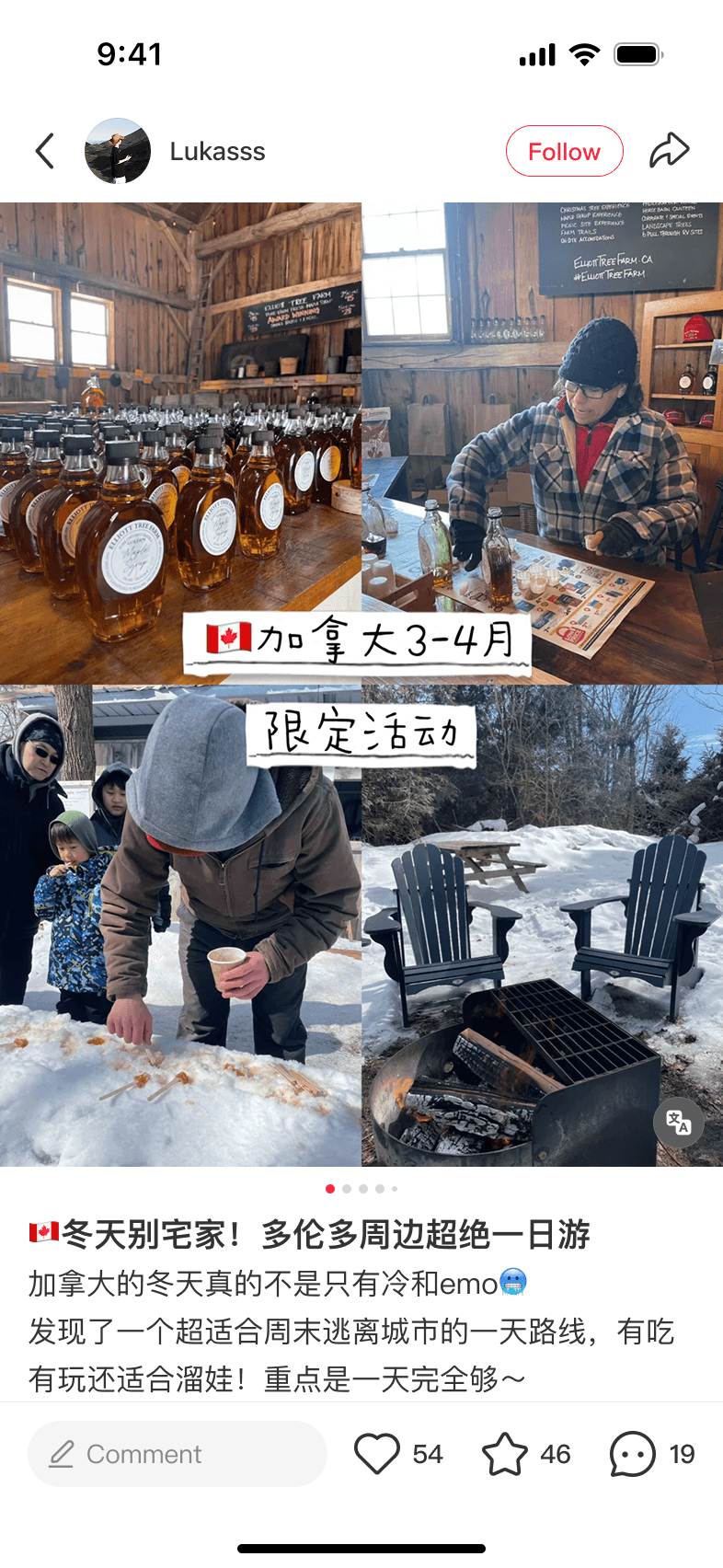
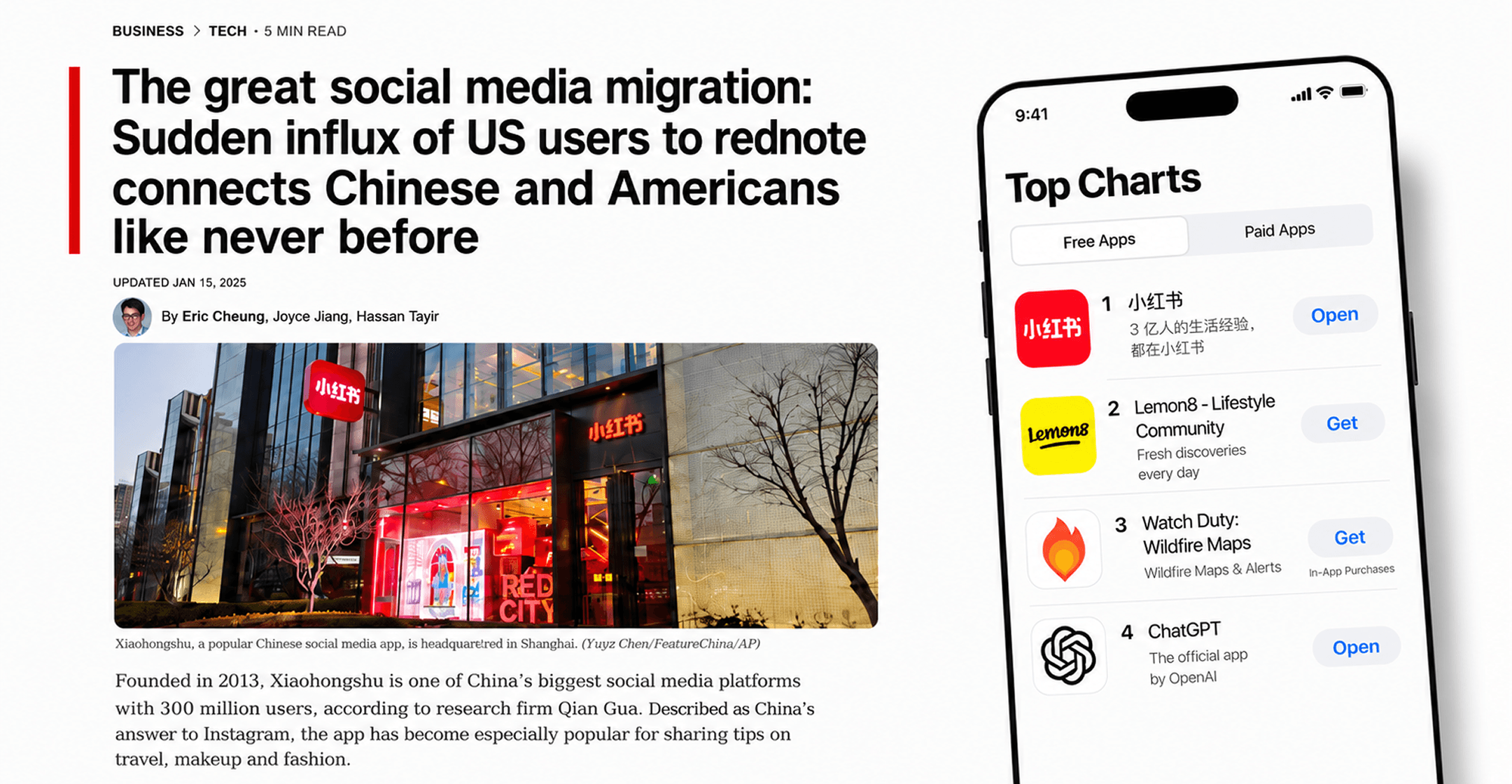
As the TikTok ban approached, rednote surged to #1 on the U.S. App Store. But every new user opened to the same experience: a wall of Chinese text they couldn't read.
TikTok refugees begin moving into rednote, landing in a product where every core surface is written in Chinese.
TikTok refugees begin moving into rednote, landing in a product where every core surface is written in Chinese.
The app climbs to the top of the U.S. App Store. The language gap is no longer just a localization issue; it defines how millions of new users first experience rednote.
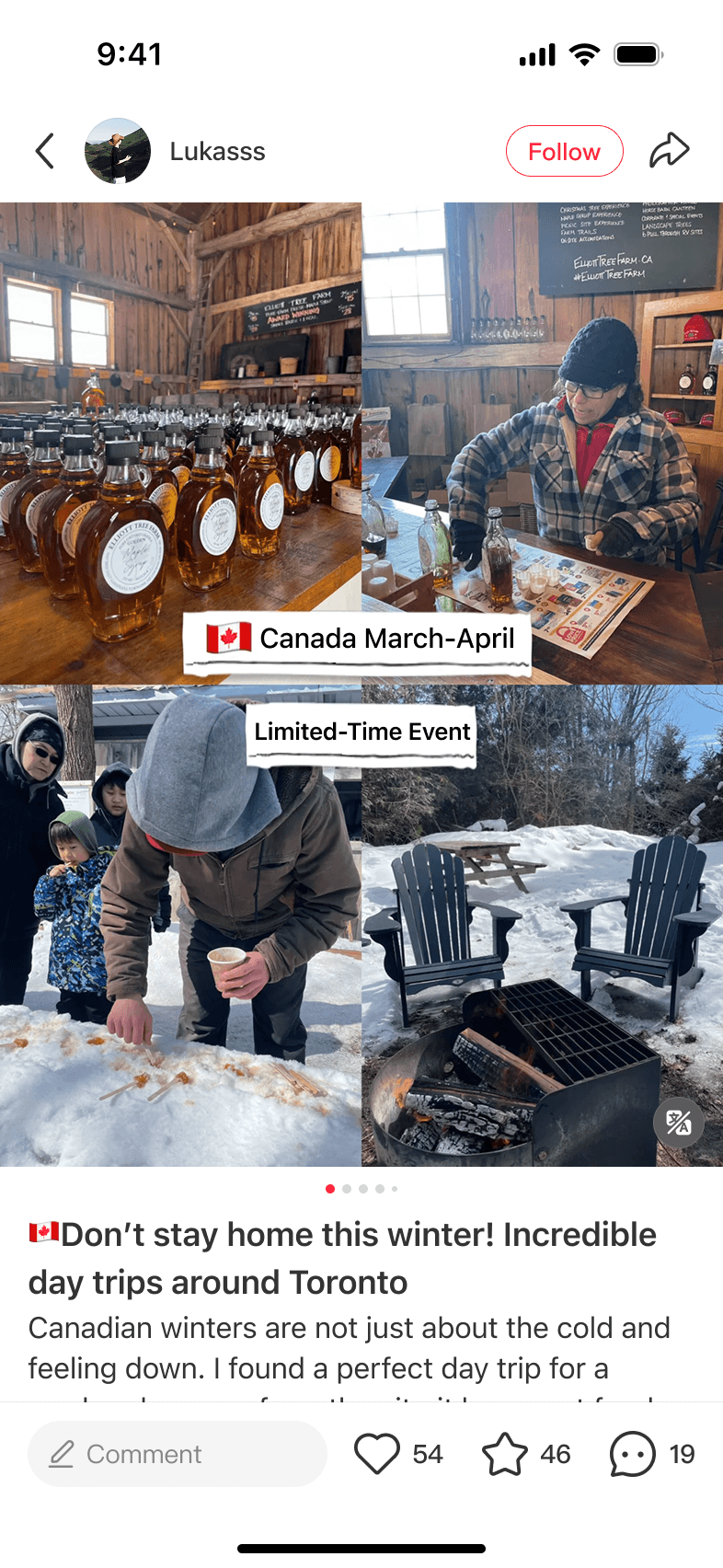
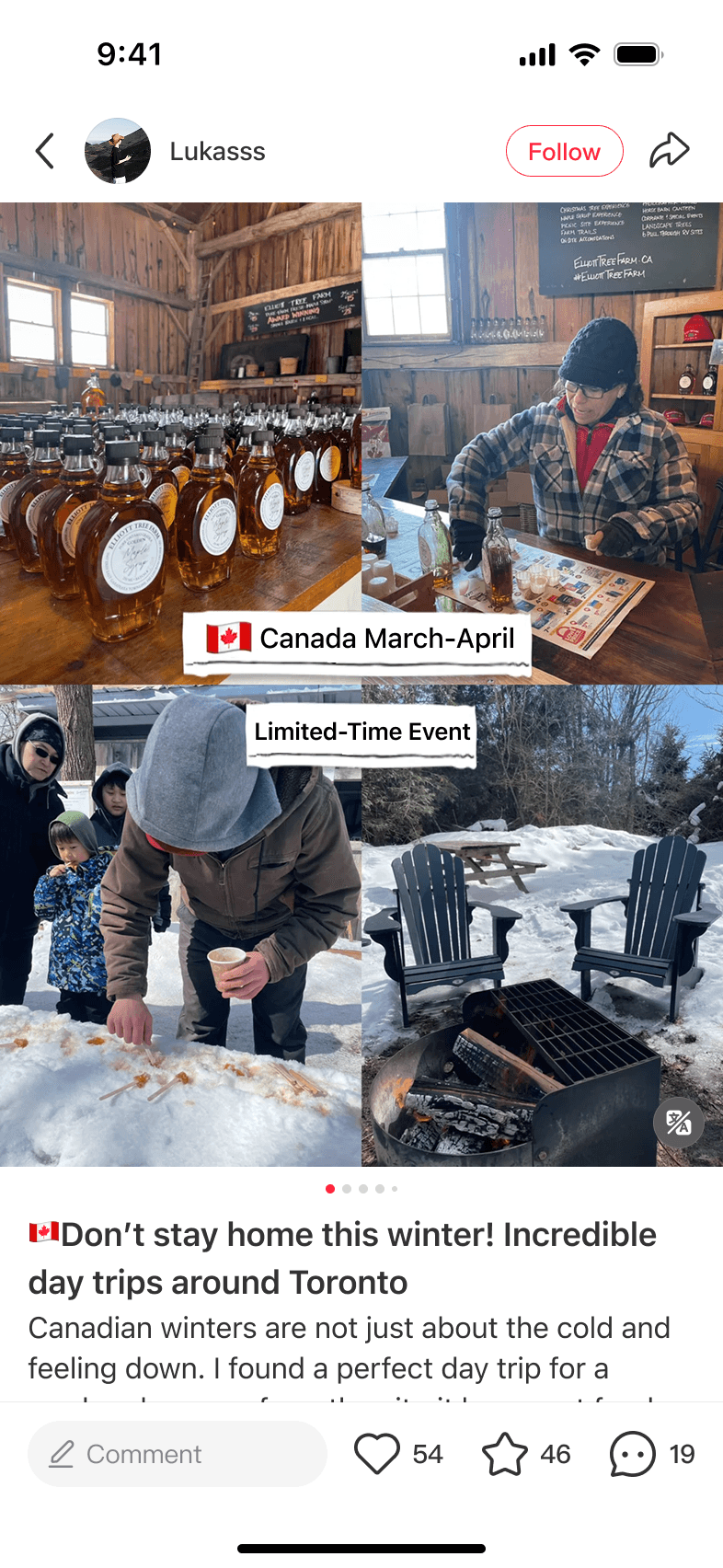
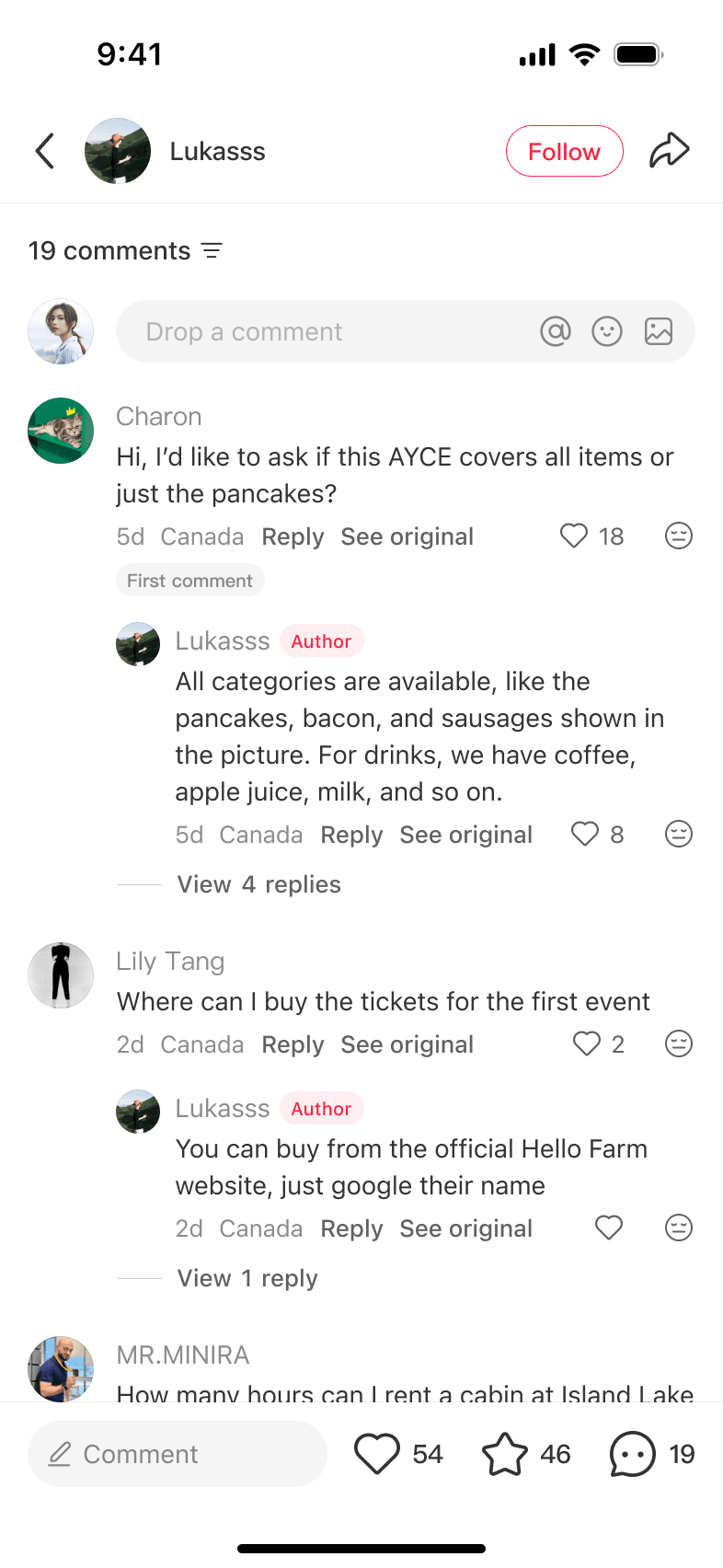
Users can tap Translate on individual captions and comments.
Everyone using the app in English can turn on auto-translation in Settings.
The temporary response becomes infrastructure work: translation has to scale across surfaces, teams, and user expectations.
Within the first 48 hours, users could tap Translate on individual captions and comments. We also added an auto-translation setting for everyone using the app in English. But many overseas users never turned it on. They still opened the app to mostly Chinese content and had to translate it one item at a time.
Should auto-translation stay optional, or should we turn it on by default for overseas users?
We chose to turn it on by default only for users we identified as overseas. I had initially argued against that decision.
I pushed back because one bad translation could make it look like a creator had said something they hadn't. As a creator myself, I want to protect the original meaning.
After discussing the tradeoff with my PM, I saw that the more immediate risk was losing overseas users before translation quality improved. I changed my position and supported making auto-translation the default.
But supporting the default did not mean I was willing to settle for the translation quality we had. I continued working with Product and ML to improve it, especially for slang and culturally specific language.
Auto-translation
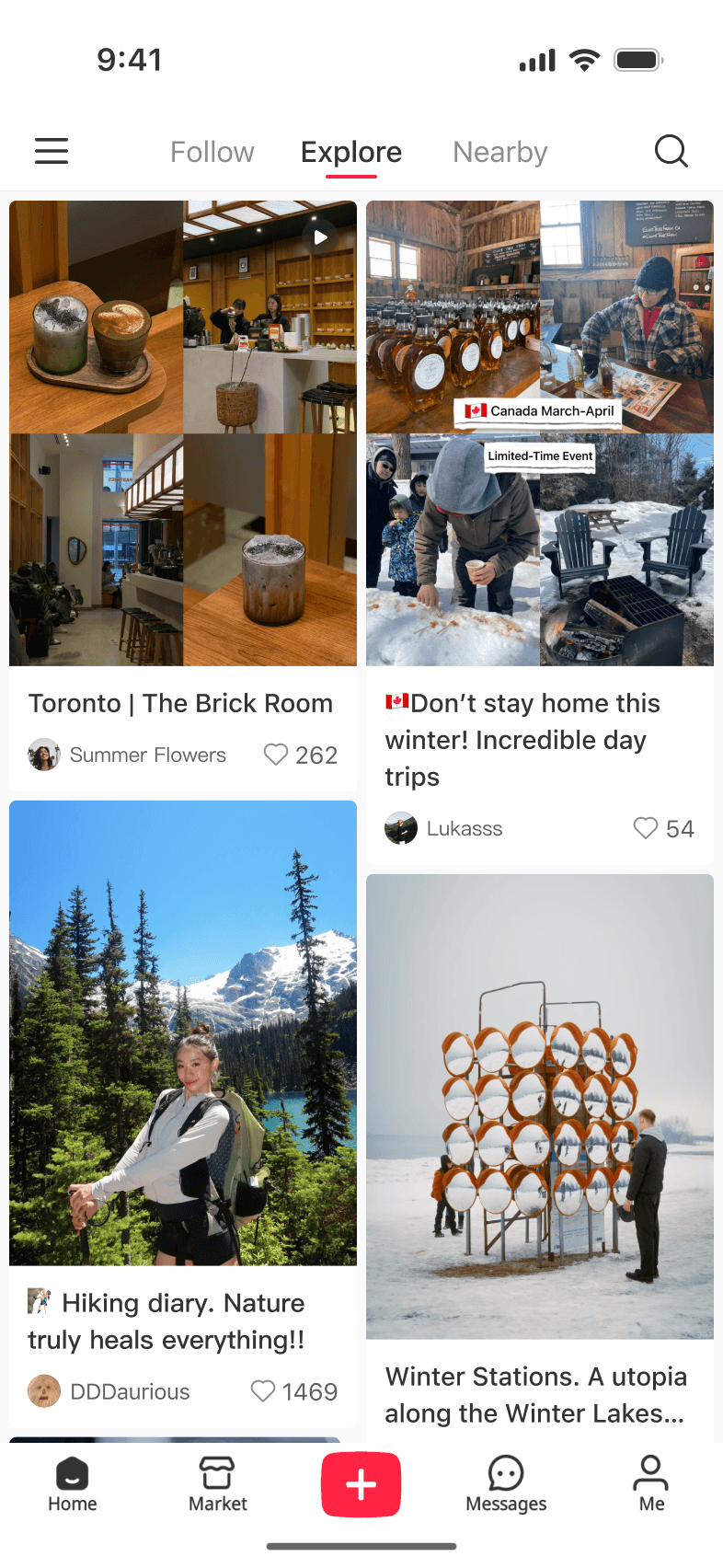
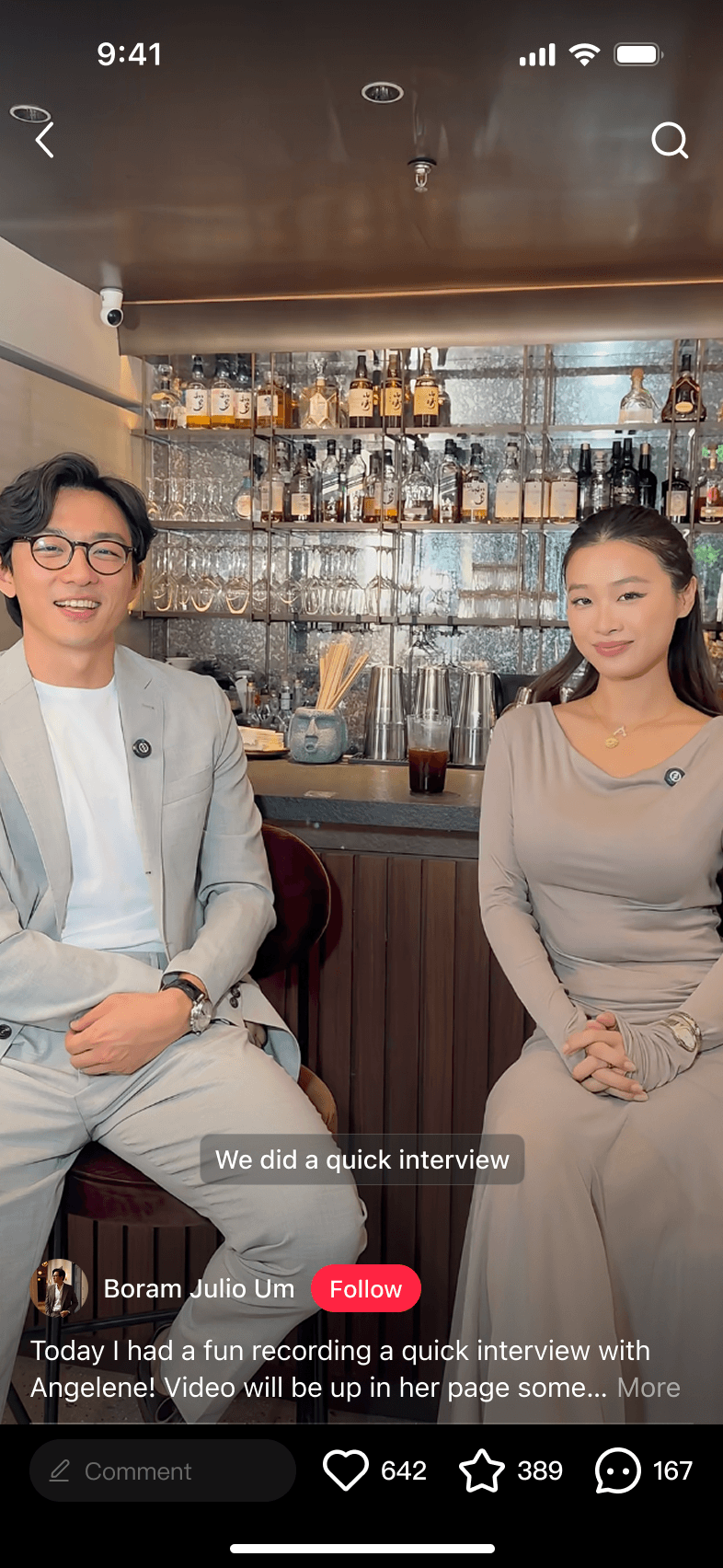
We started with text, then extended auto-translation to images through OCR, videos with auto-generated subtitles, and livestreams with real-time captions. I worked directly with ML teams to improve image translation and voice dubbing quality by annotating cases, defining visual rules, and making aesthetic calls that fed back into the models.
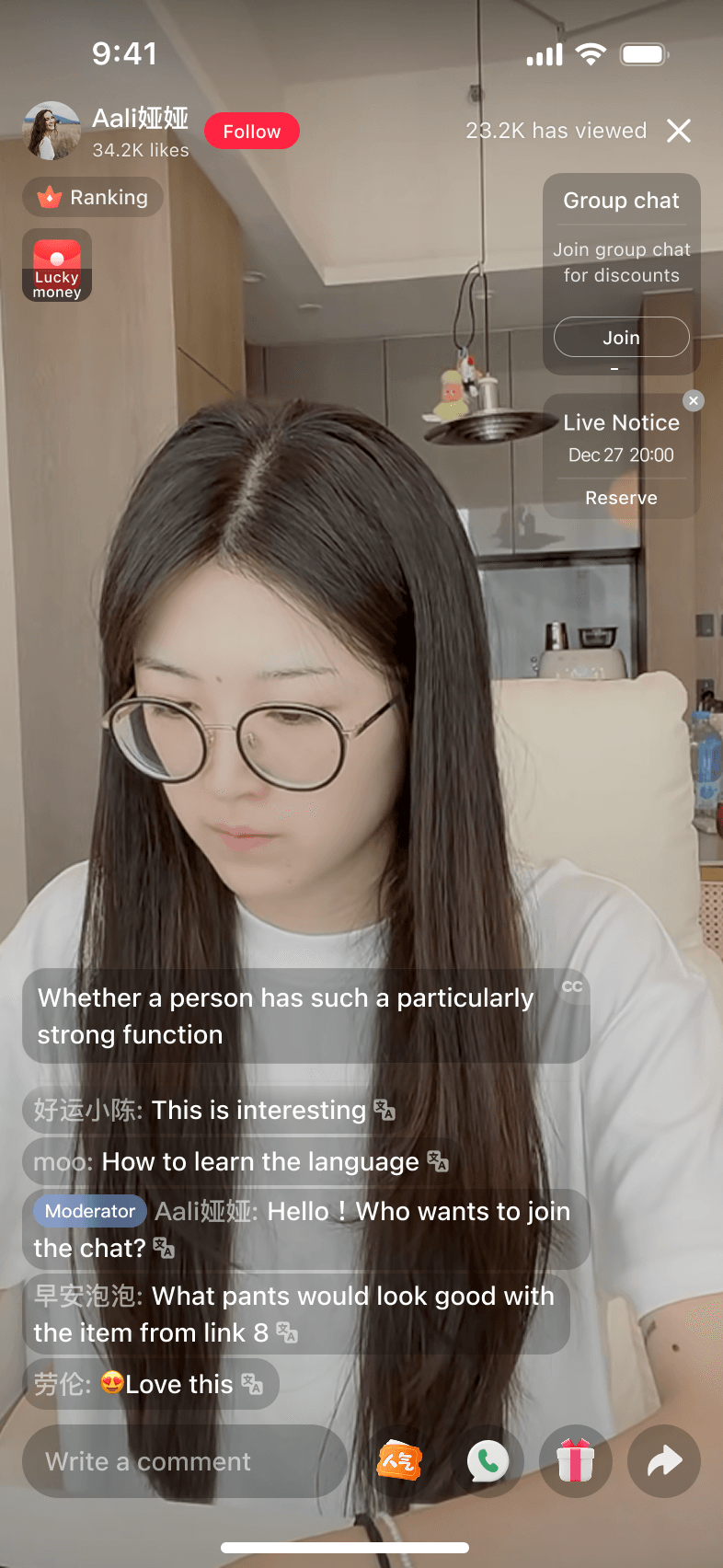
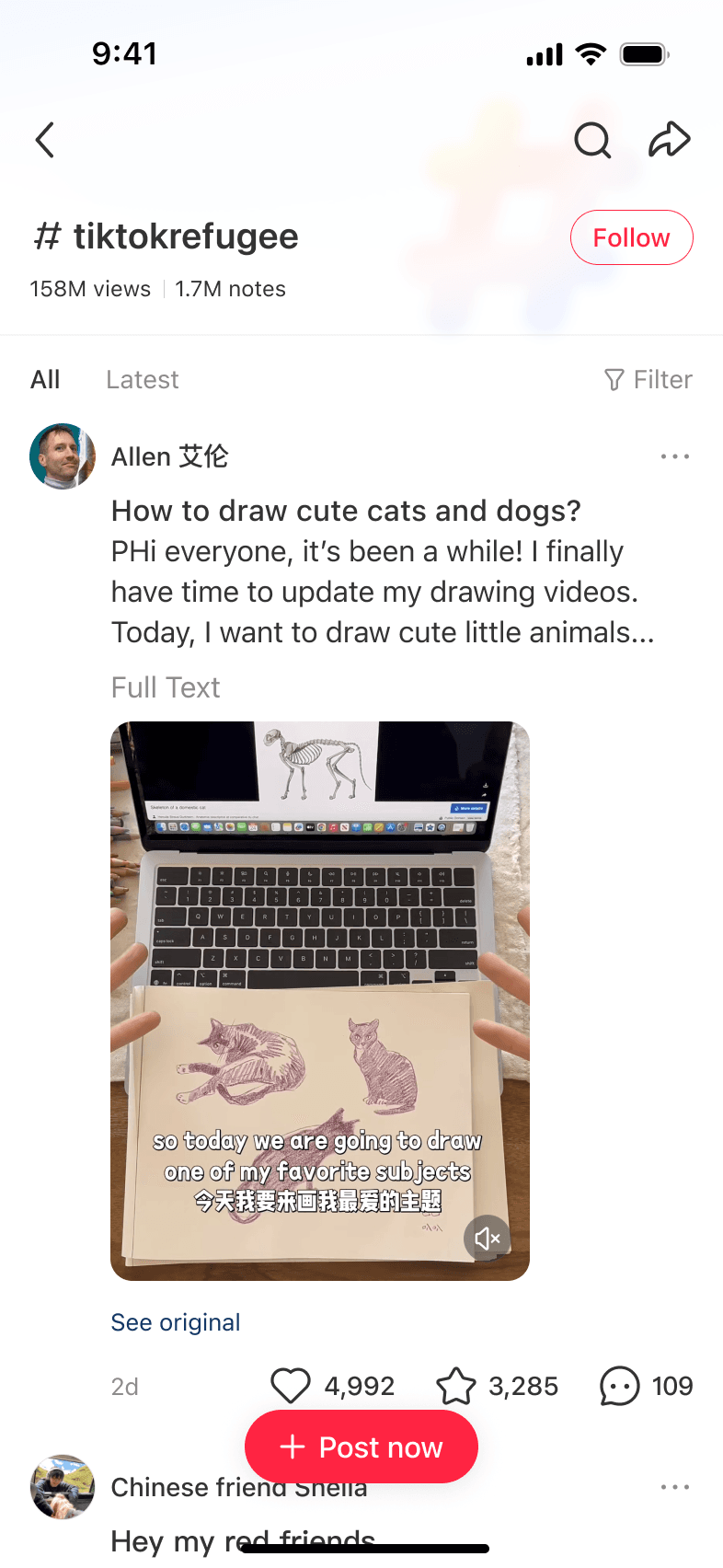
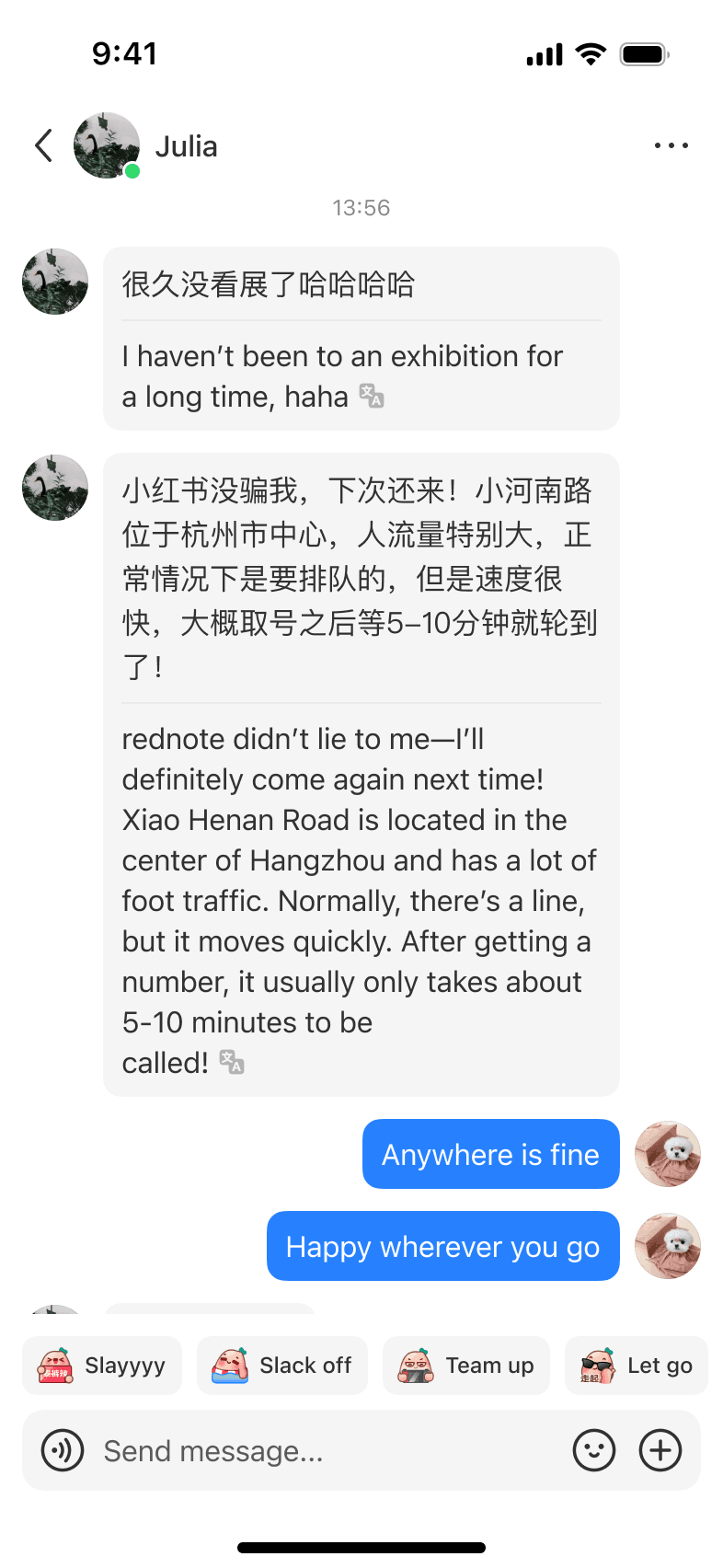
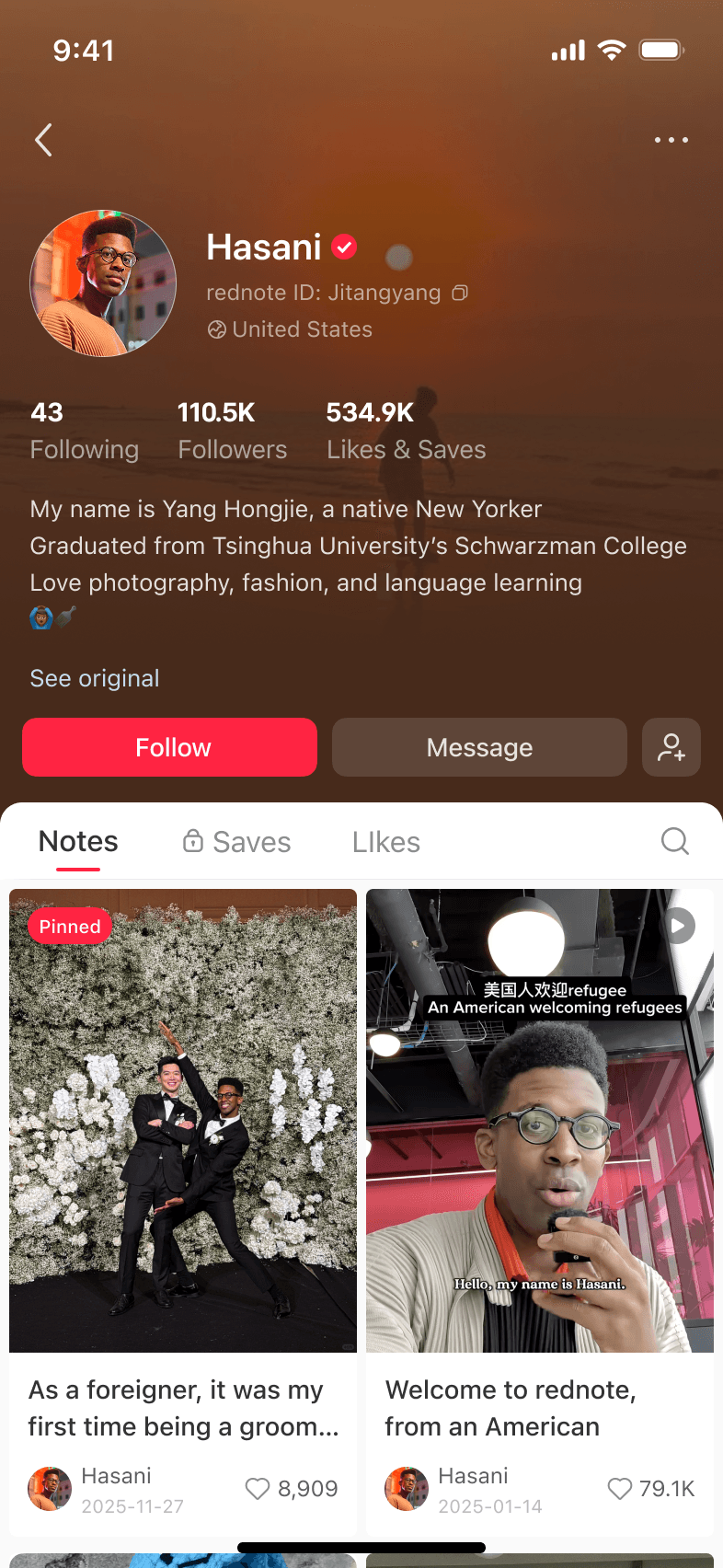
Translation and subtitles aren't new. The harder problem was making them work the way people actually use rednote. The two solutions below redesigned both sides of the experience: how people view translated content and how creators decide who a note is for. Both later led to patent applications.
rednote's videos are layered — creators add their own subtitles, stickers, and text before posting. When we placed platform subtitles on top, they constantly collided with creator content. The viewing experience broke.
Our first exploration was dynamic auto-positioning — using scene detection to place platform subtitles away from creator content. However, creator subtitles move constantly within the same video. Follow them, and our subtitles never stay still. Don't follow, and they overlap. Neither solved the problem.
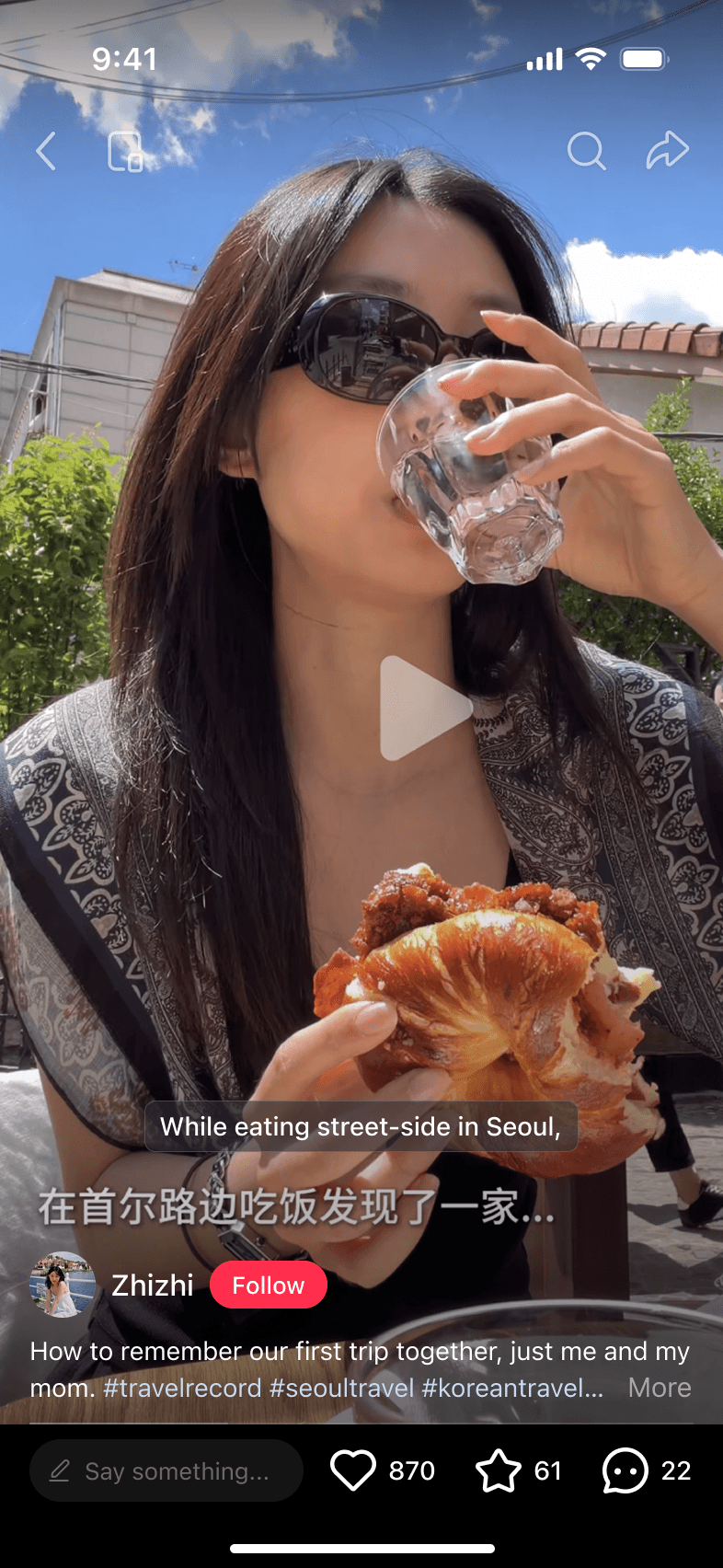
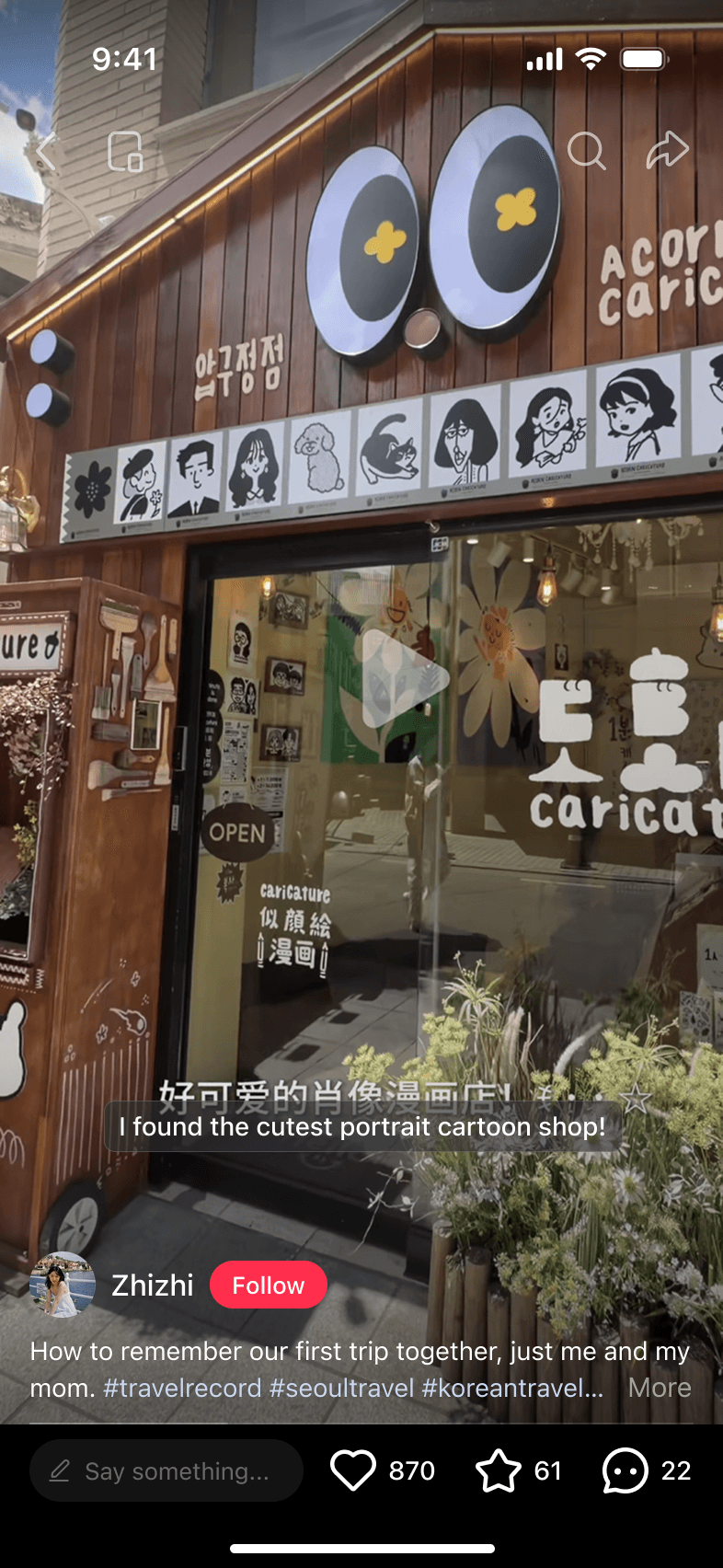
I proposed anchoring subtitles to a default position relative to the bottom UI, with long-press and drag available when users needed to move them. Because static screens couldn't convey how repositioning would feel, I used our internal AI prototyping tool to build a working web demo. It gave Product a concrete way to evaluate whether the interaction solved the viewing problem and gave Engineering a reference for shaping the technical approach. The real fix wasn't a smarter algorithm. It was giving users control.
Auto-translation made content readable. But readable isn't the same as intentional. Most content on rednote was written for a Chinese audience — international users could follow the words, but they weren't who the note was written for.
One of our solutions was to give creators a way to translate their note before publishing — making the choice to speak to an international audience explicit. We first placed the action in the keyboard toolbar, assuming they might translate mid-composition. Testing showed a different pattern: people finished the note first, then decided who it was for.
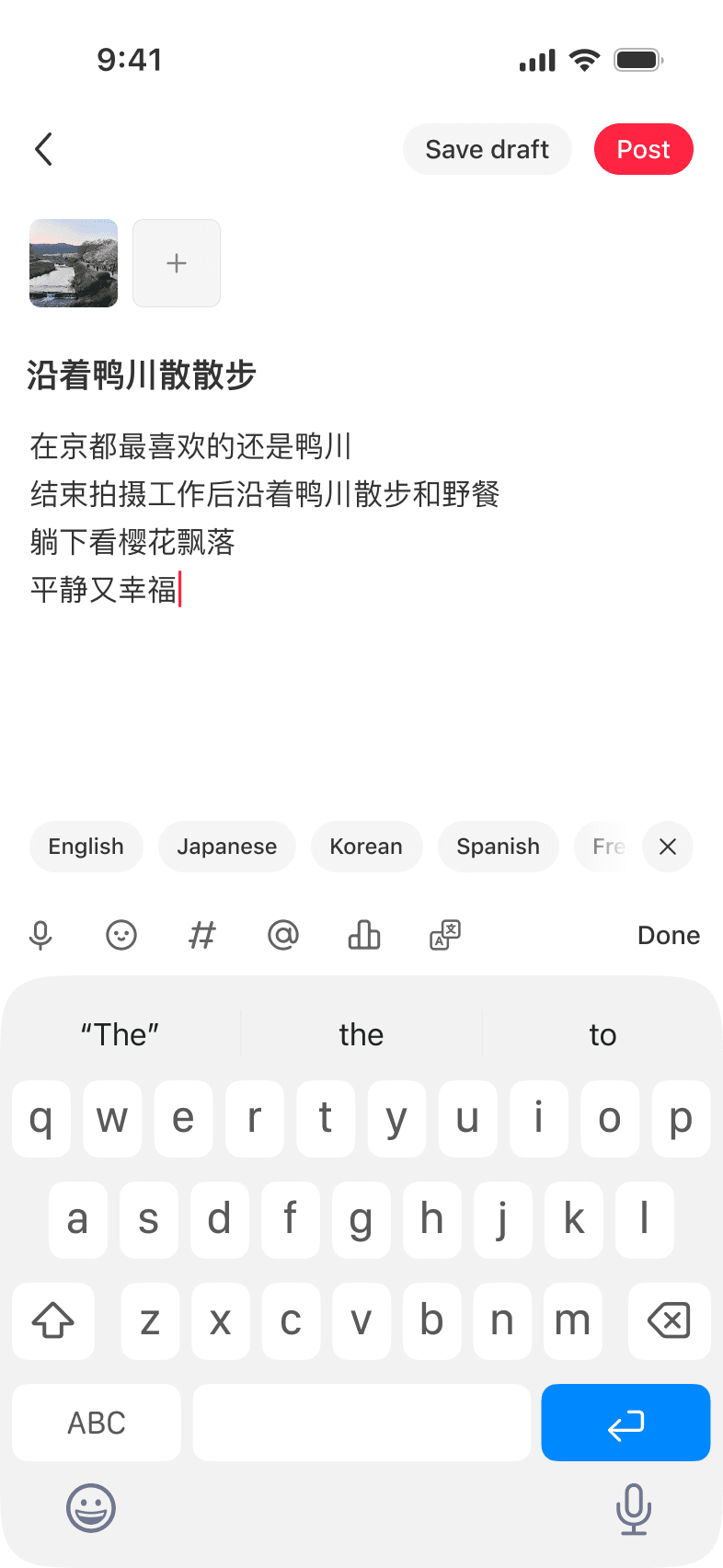
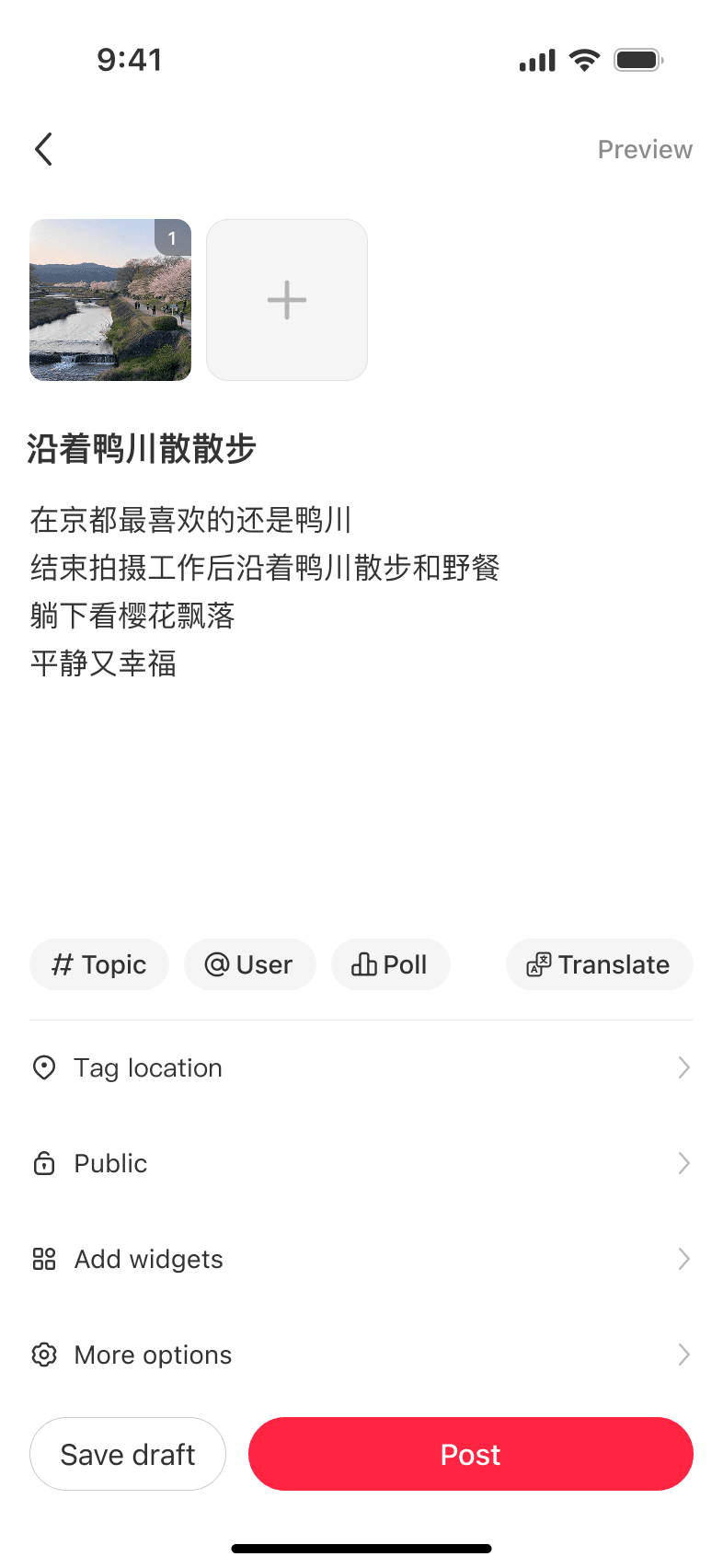
We moved the translation action to the publish page — after writing, before publishing. Write in the language you think in. Translate when you're ready, then edit.
Translation was only the beginning. The entire app — across 25 product areas — needed to go global. The biggest challenge for me, as a solo designer, was to get everyone aligned on work that was critical but outside anyone's core mandate.
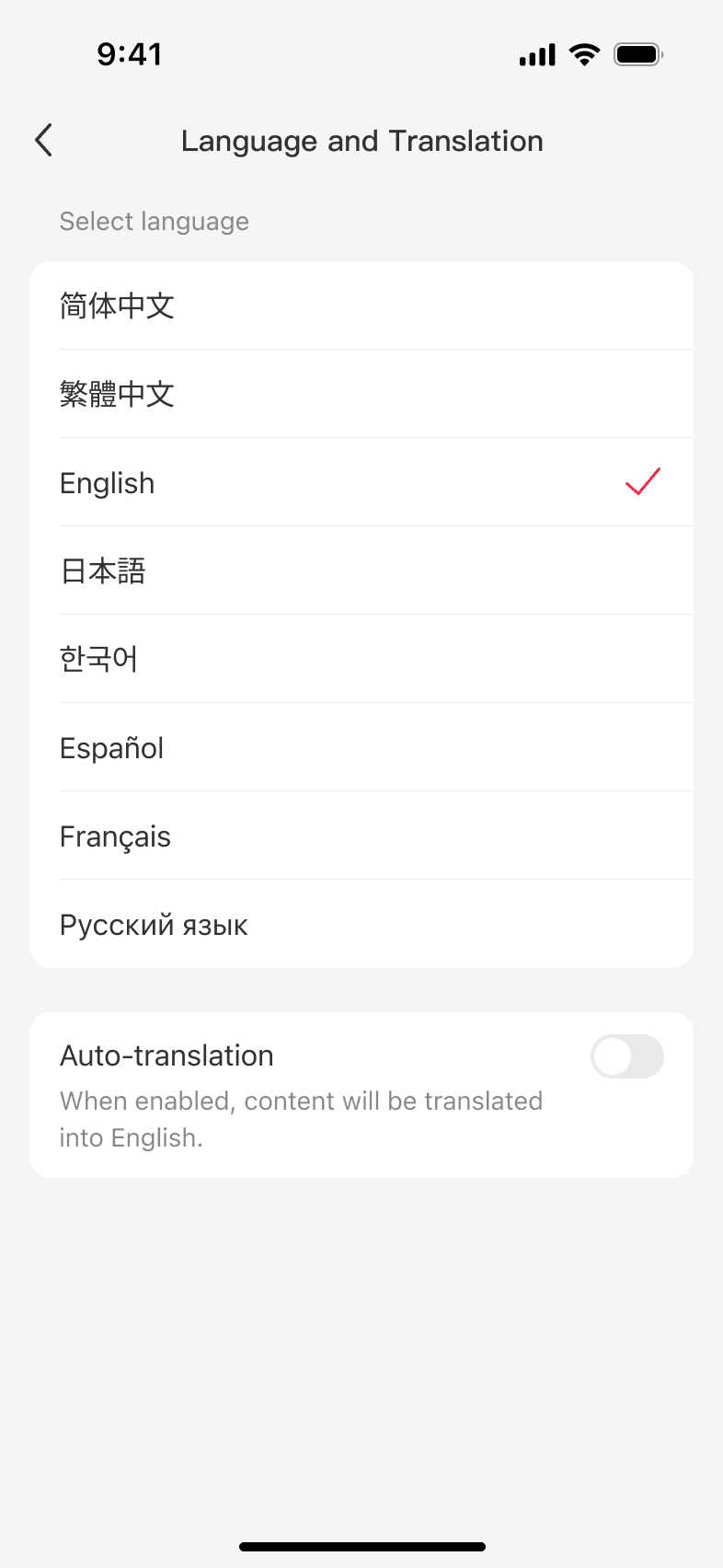
As the sole designer, I designed the product experience across eight languages, including an auto-translation control and multimodal translation for text, images, video, and livestreams.
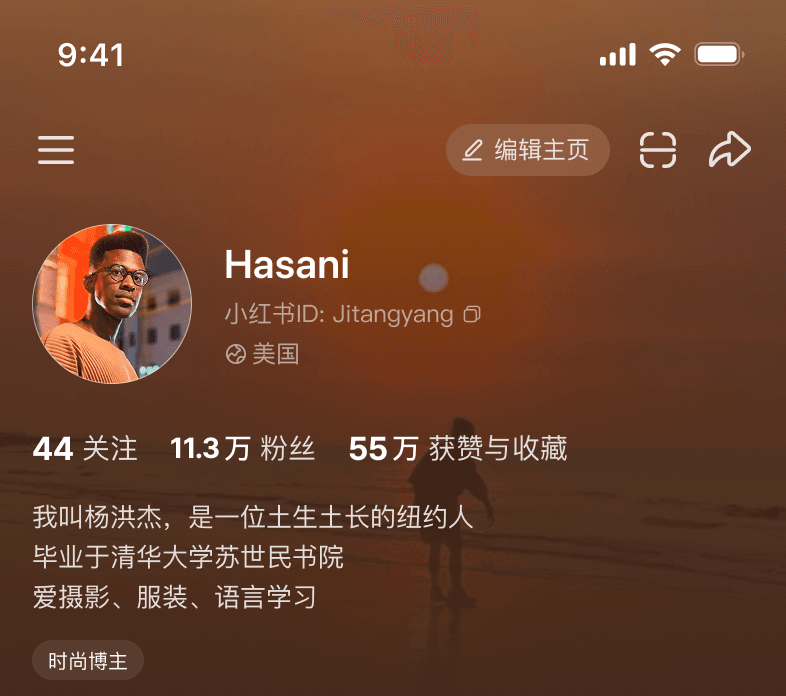
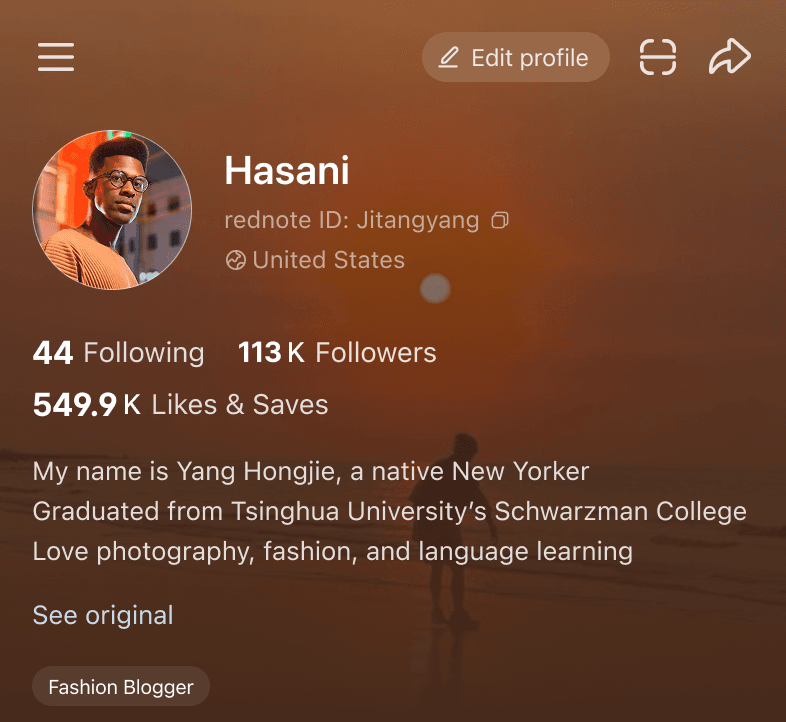
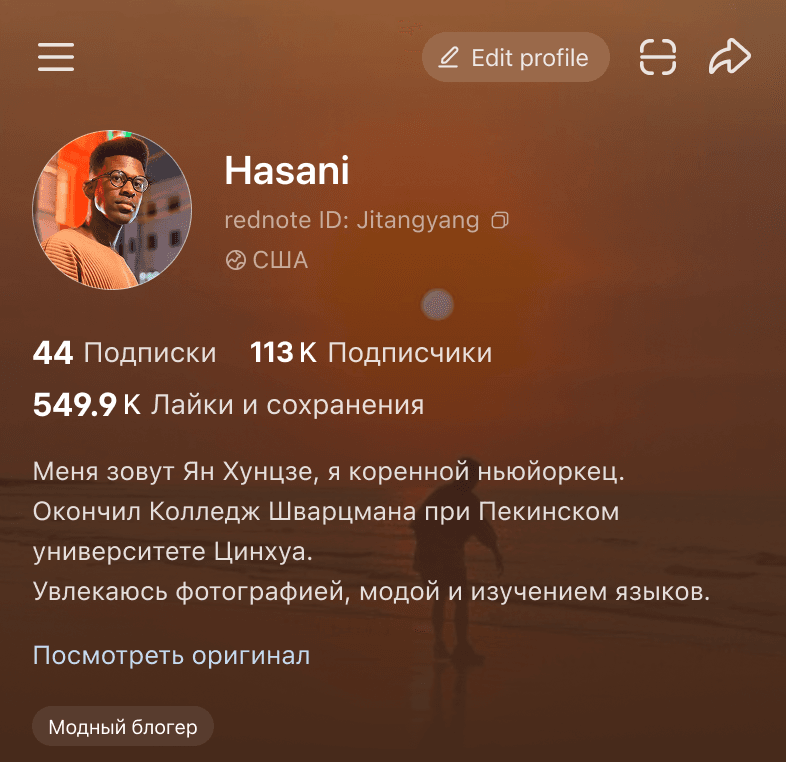
Led 18 product designers across business units through a full-app multilingual UI sprint, using one shared standard across surfaces and languages.
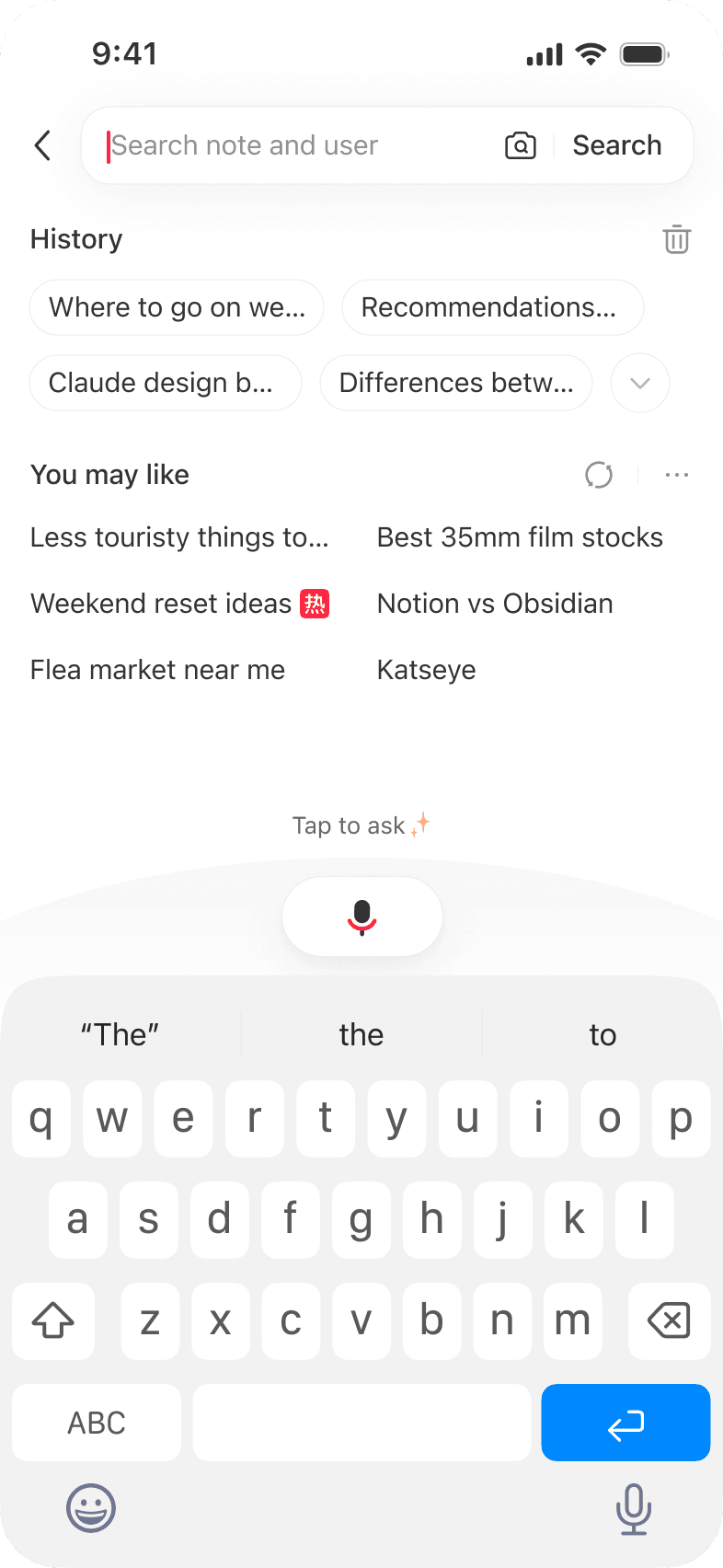
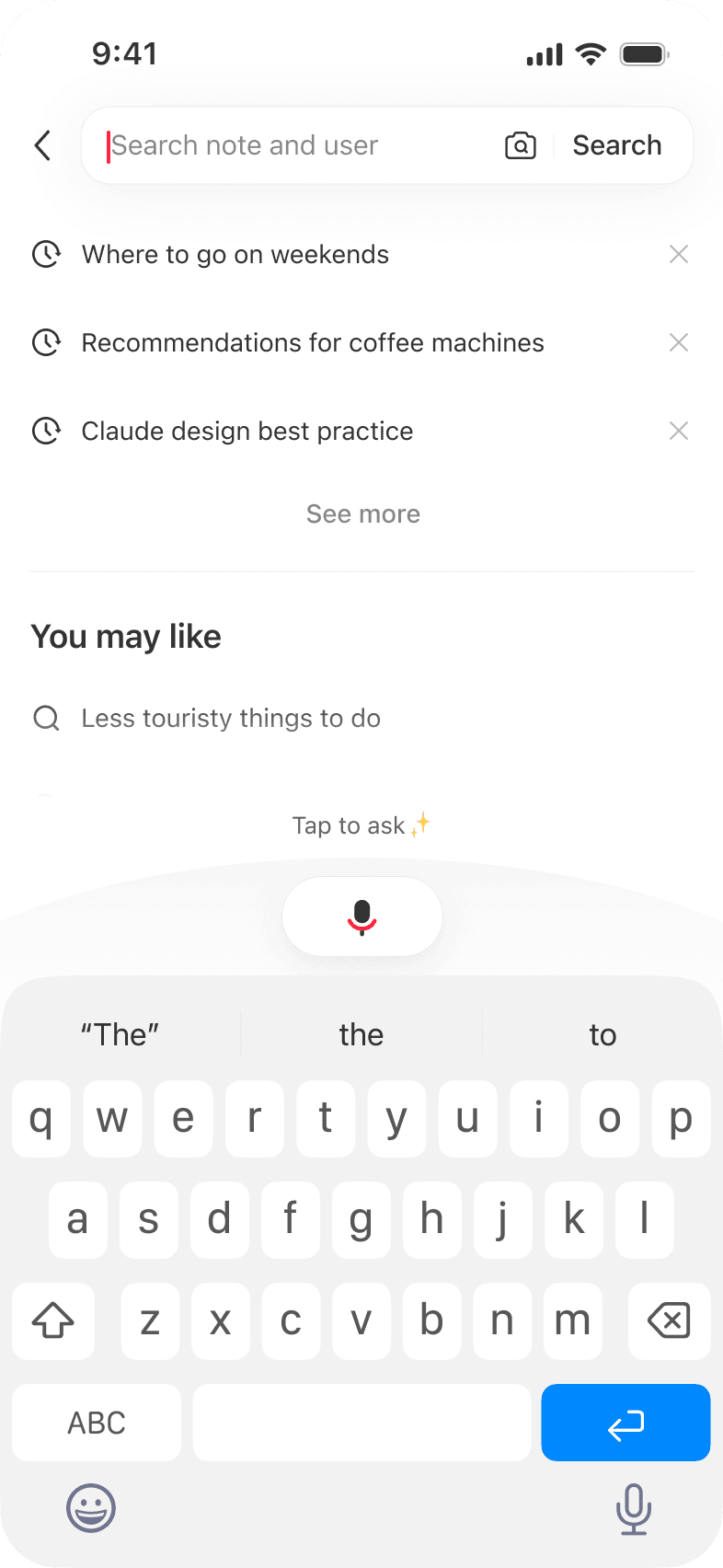
Partnered with core product teams to adapt key interactions where Chinese and international conventions diverged, including the search landing experience.
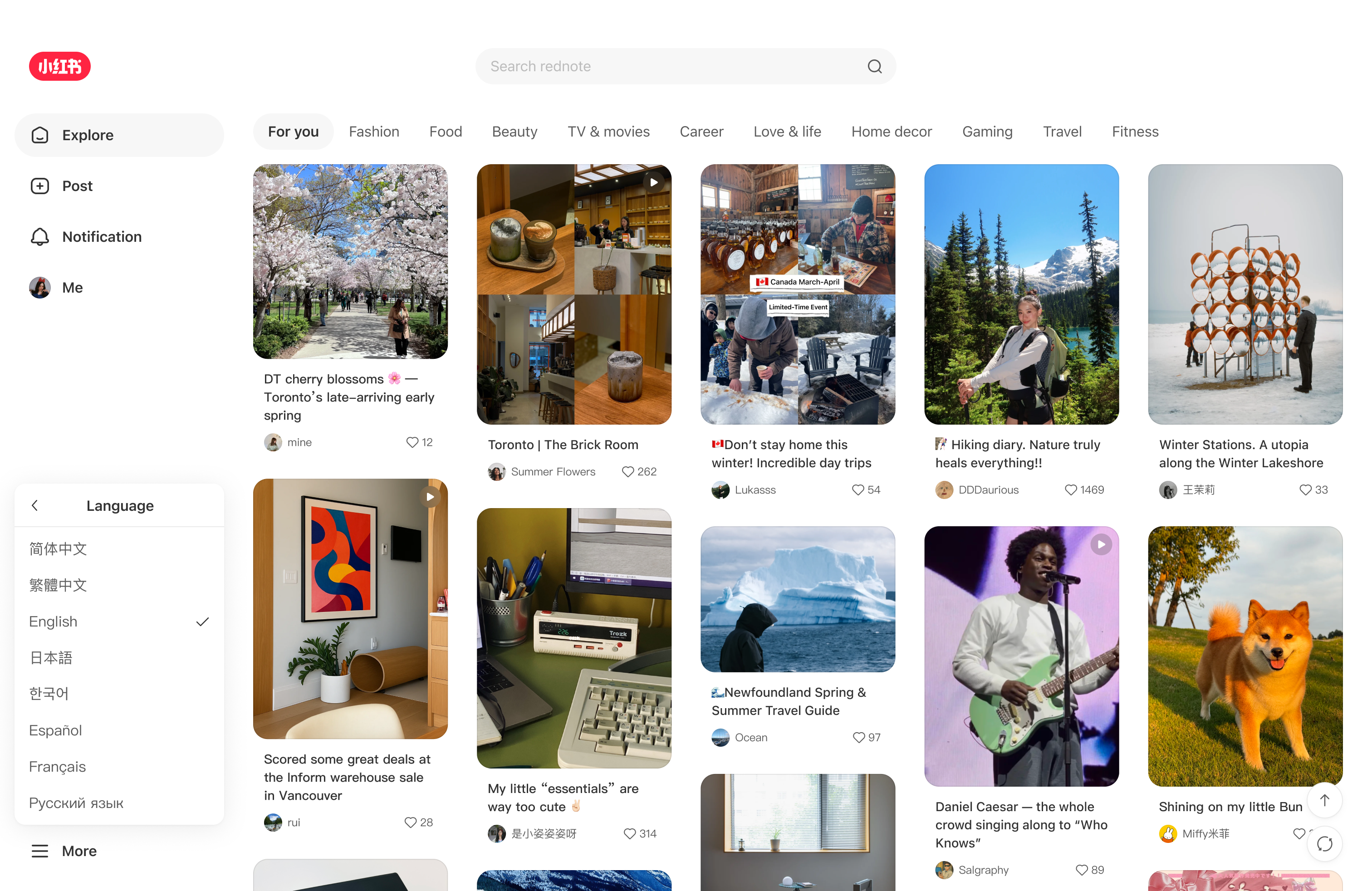
Expanded the work from app to web and built globalization into the design system and accessibility standards so it could serve as a foundation rather than a patch.
How I scaled the work
Scaling this work meant getting teams aligned around something outside their core mandate. I mapped every globalization failure across the product, turned it into a design guide, and brought it to the entire design team with a concrete proposal — the solution and the plan.
That became the shared standard 18 designers used to move the work forward across teams.
I didn't want this to be a one-time sprint. So I wrote two docs, a design spec and an SOP, distilled from auditing 1,000+ multilingual issues across the app. They were shared company-wide and continue to be referenced by design and product teams.
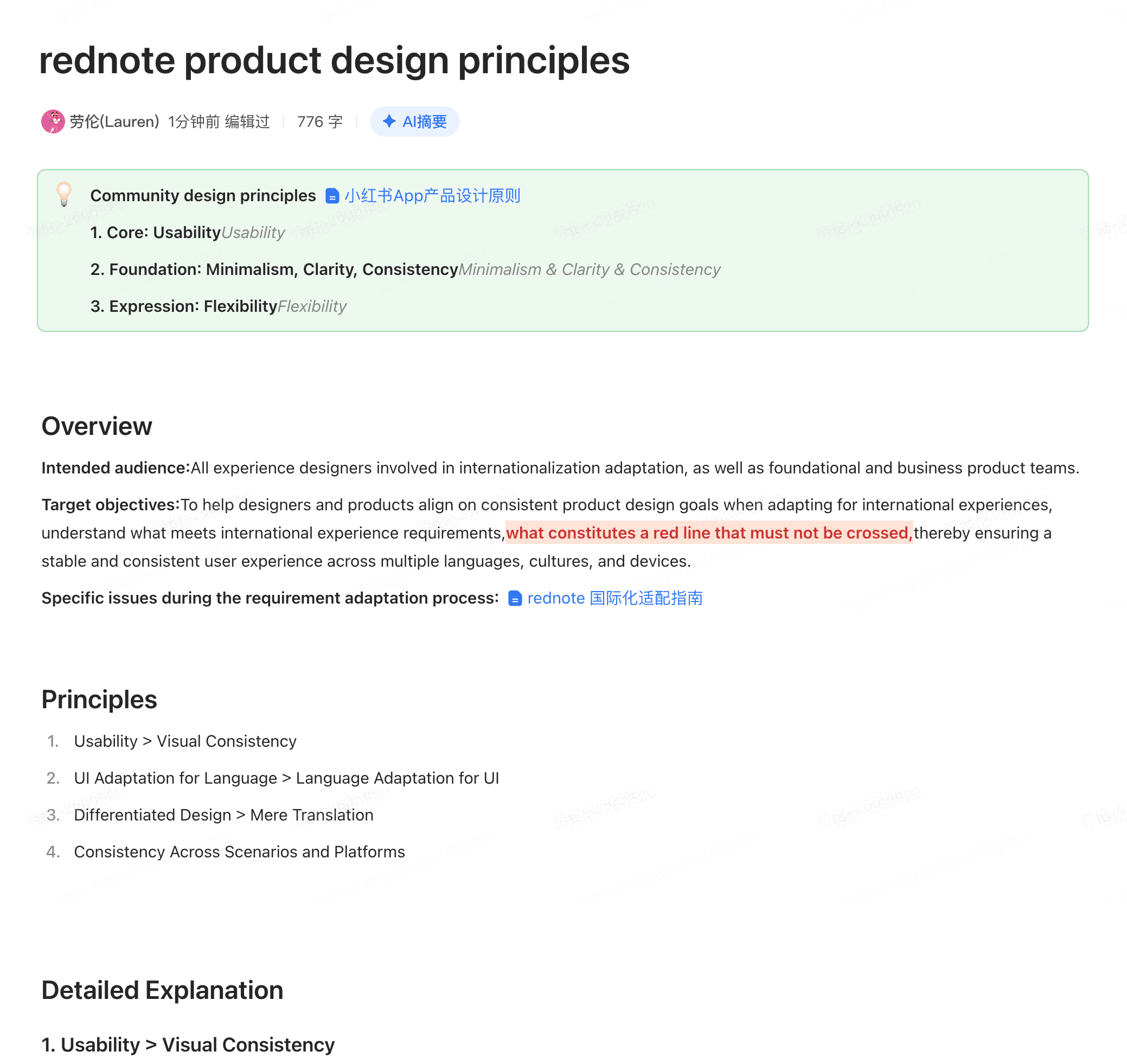
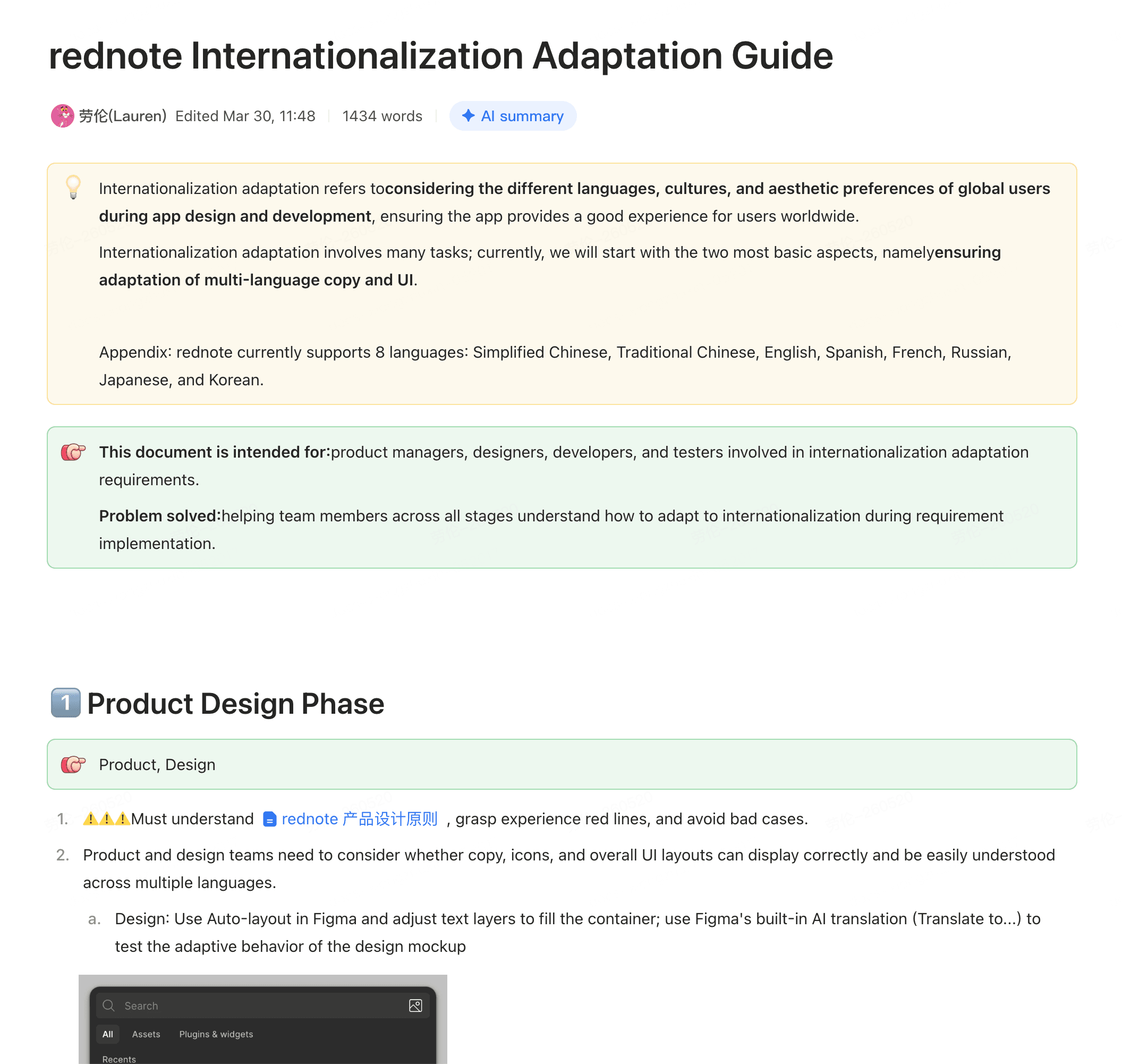
I represented rednote's globalization design at two industry sessions: one with Apple designers at Shanghai Jiaotong University and one with a visiting delegation from Milan. Sharing the work externally also strengthened its credibility inside the company.
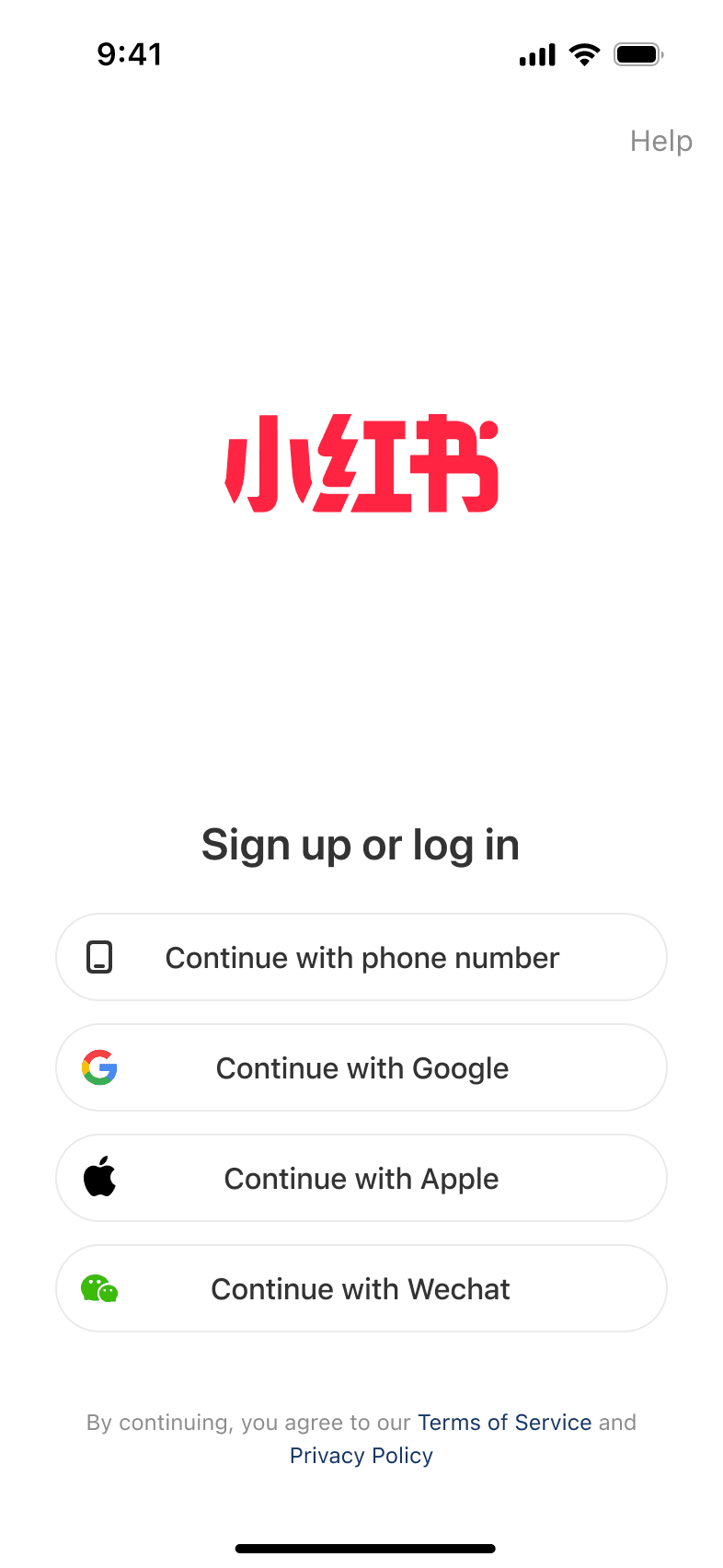
Once the multilingual foundation was broadly in place, Product and I used funnel data and research to prioritize one connected growth journey: external sharing to bring new users in, and onboarding to help them find value and stay. I designed both end to end.
In A/B tests, external sharing increased DAU returning from off-platform channels by 1.17%, while onboarding lifted seven-day retention by 4.8%.
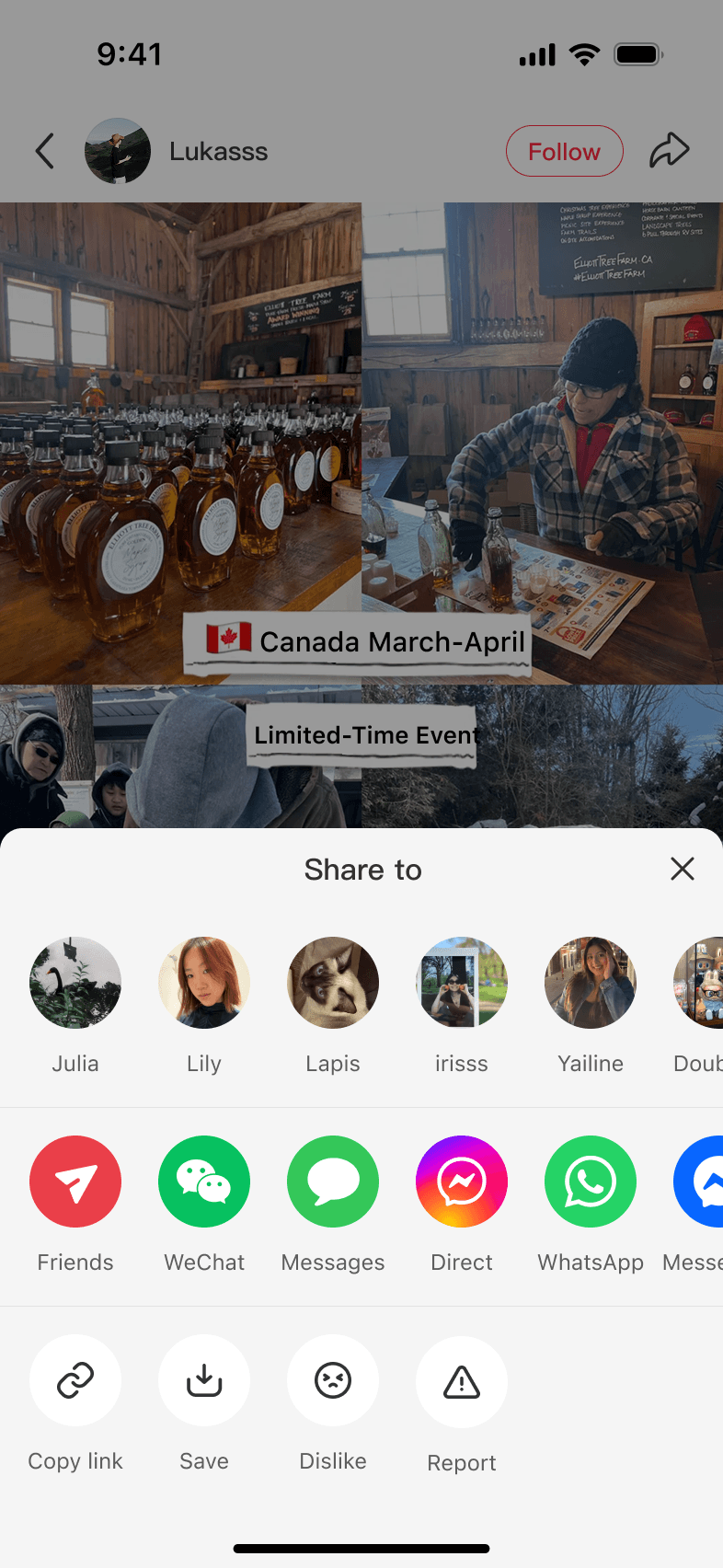
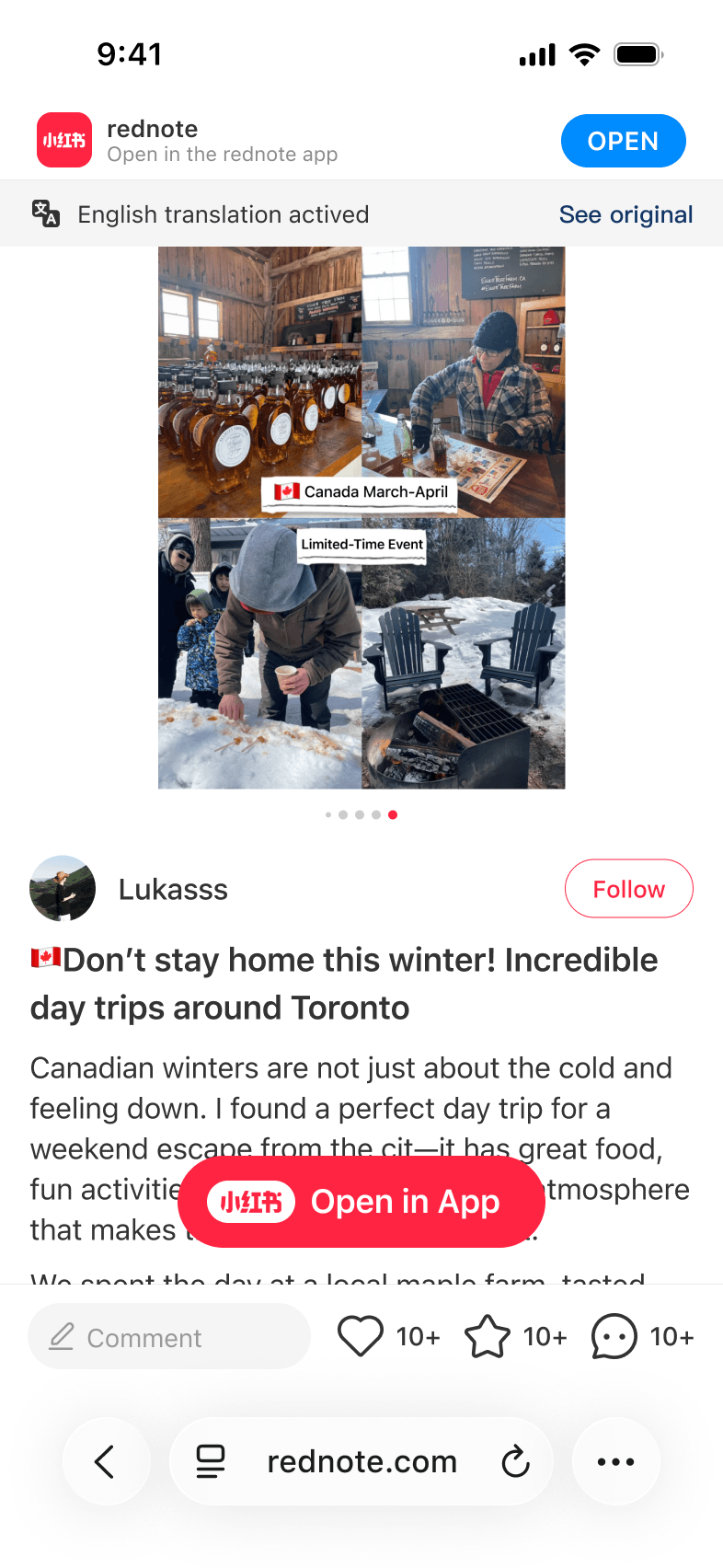
External sharing
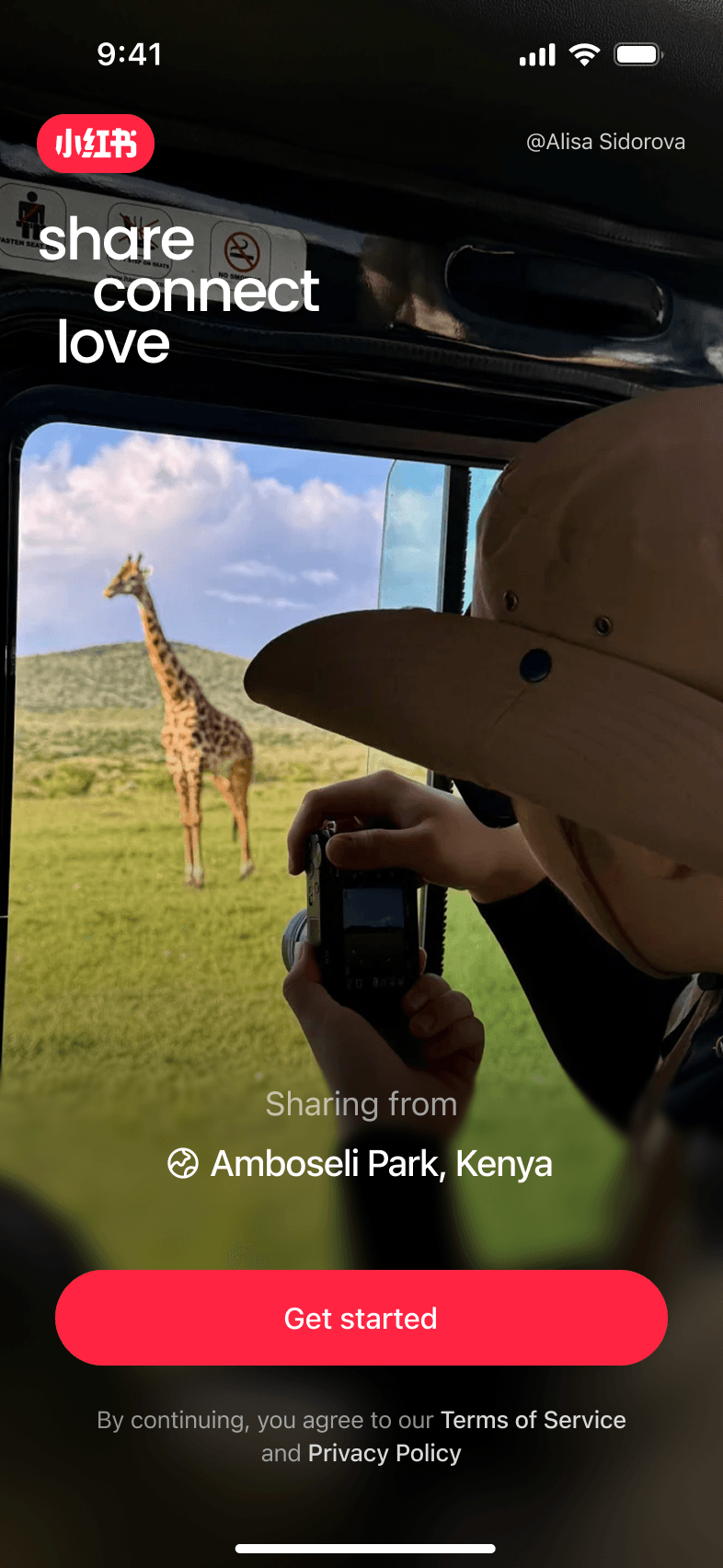
Onboarding
What began as an urgent response became a platform-wide globalization effort. Beyond the traffic spike, the work expanded across translation, core product experiences, and shared standards and infrastructure for designing for international users.
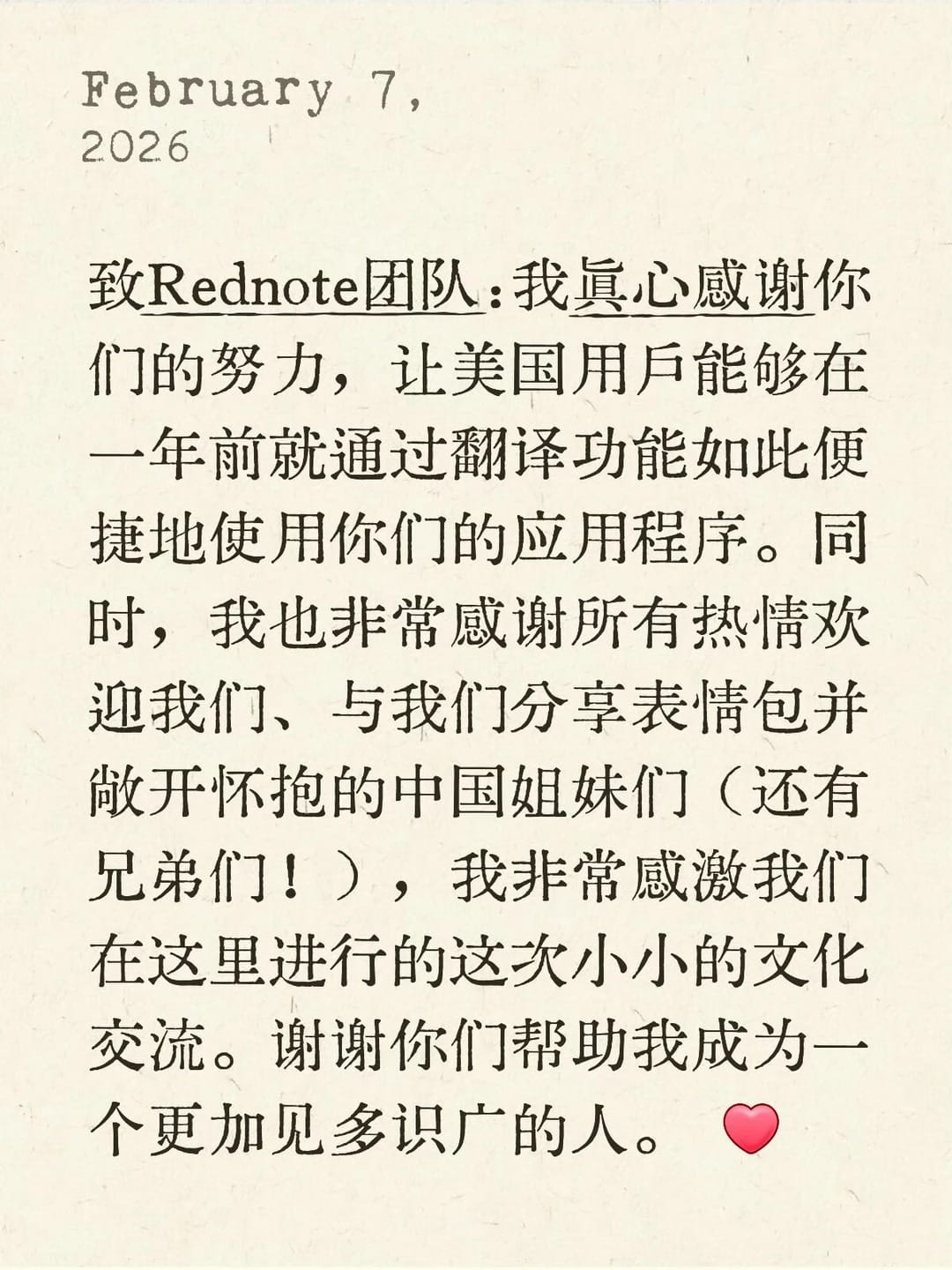
“Thank you for making it so easy for American users to use your app through the translation feature. And thank you to all the Chinese sisters (and brothers!) who welcomed us, shared memes, and opened their hearts. This little cultural exchange has made me a more worldly person.”
This project pushed me well beyond my defined role. I started as the sole designer shipping an urgent translation experience. As the work expanded, my role grew with it. I continued designing the experience while coordinating the wider design effort and helping shape what came next with Product. Research, data analysis, and model evaluation also became part of how I approached the design.
Staying hands-on kept me close to the experience. A broader design scope widened my perspective as a designer.